


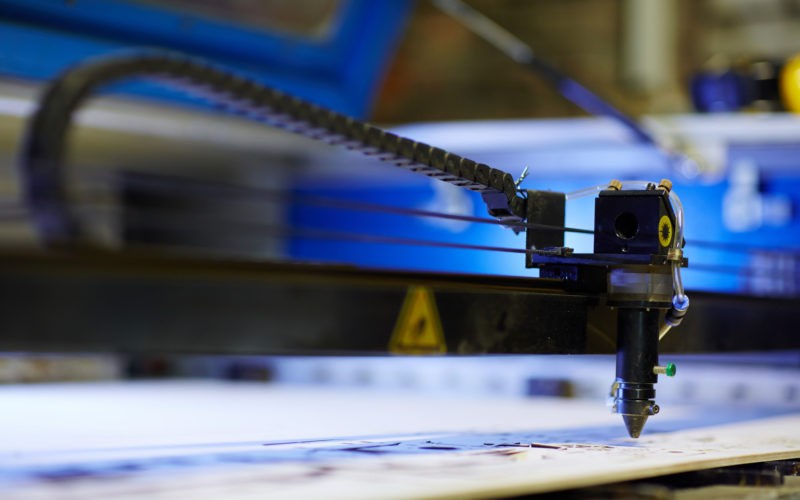
More and more small business owners and entrepreneurs are learning the value a laser engraver provides as a revenue stream, and how they can use one to gain control over product appearance, performance, and scalability. So much so that the global laser engraving machine market is projected to grow from roughly USD 3.8 billion in 2025 to over USD 8 billion by 2035.
Armed with a laser engraving machine, businesses can keep tasks and projects that once required outsourcing or industrial equipment in-house, on demand, and completed at a fraction of the turnaround time. The challenge for some owners is choosing a laser engraving machine for sale that fits their material and product size requirements, both now and as demand grows. Without proper planning, the wrong setup can limit what you produce, slow your workflow, or lock you into unnecessary workarounds.
Why Versatility Matters More Than Specialization
Production needs rarely stay fixed for many small businesses. Versatility creates room to experiment without committing to new equipment every time a material changes. Engraving metal nameplates, branding wooden packaging, or marking coated components may seem like separate tasks, but they can sometimes live inside the same workflow. When one machine can handle those shifts reliably, it simplifies scheduling and production, along with the added sales capabilities. To illustrate this point, Stats Canada found that 57% of businesses that adopt at least one advanced technology have introduced a new or improved product or process, underscoring how investing in the right engraver for your business can drive innovation in the market or in your operations.
Choosing the Right Laser Type for Mixed Materials
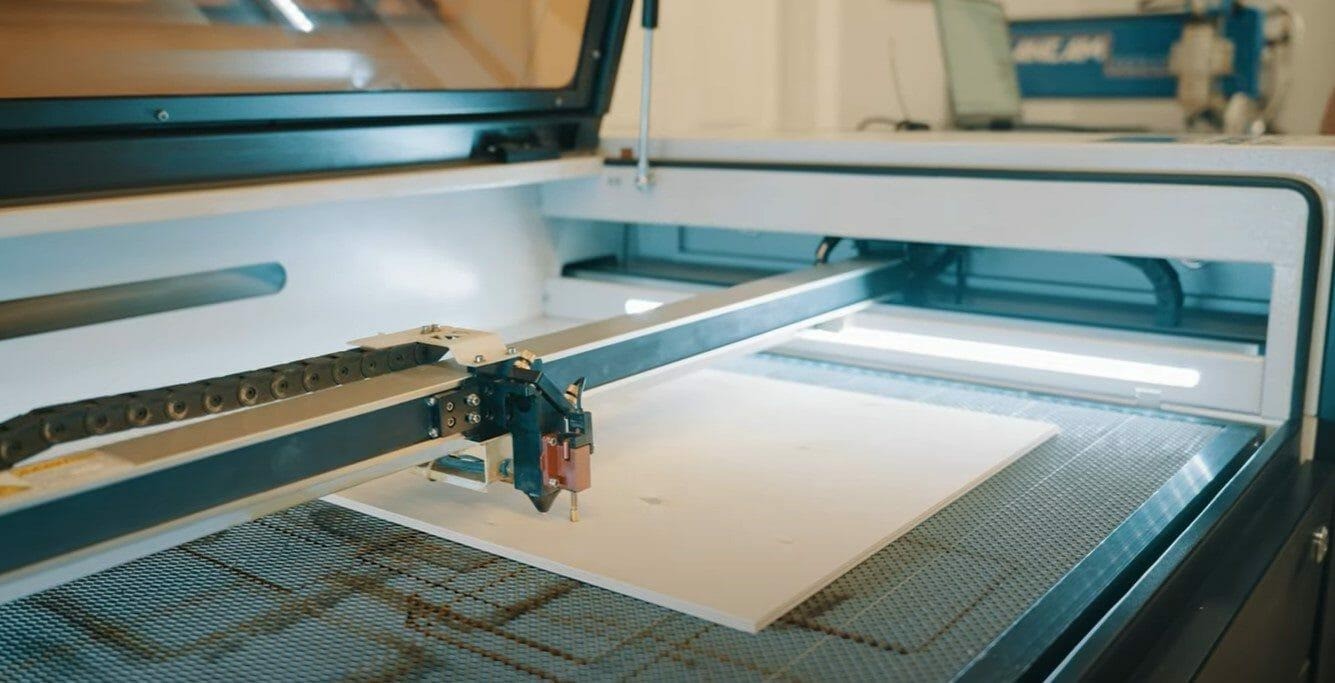
There are three main laser types found in most laser engraving/cutting machines:
- Fiber lasers
- Diode lasers
- CO₂ Lasers
Fiber lasers are engineered for metal marking. They excel at speed and permanence on steel and aluminum, but they are effectively unusable on wood, acrylic, leather, or most plastics. Diode lasers sit at the opposite end of the spectrum. They can handle light engraving on wood and some coated surfaces, but limited power and slower throughput make them impractical for consistent production work or dense materials.
CO₂ lasers occupy the middle ground where their versatility maximizes usability. They cut and engrave wood cleanly, produce high-contrast results on acrylic and coated metals, and handle granite, leather, rubber, glass, and many plastics with precise, predictable results. They also support professional engraving and marking on aluminum.
If you’re looking to work across multiple materials within a single product line or production cycle, a CO₂ laser offers the broadest functional range of professional quality results and a streamlined workflow.
Machine Levels and What They’re Suited For
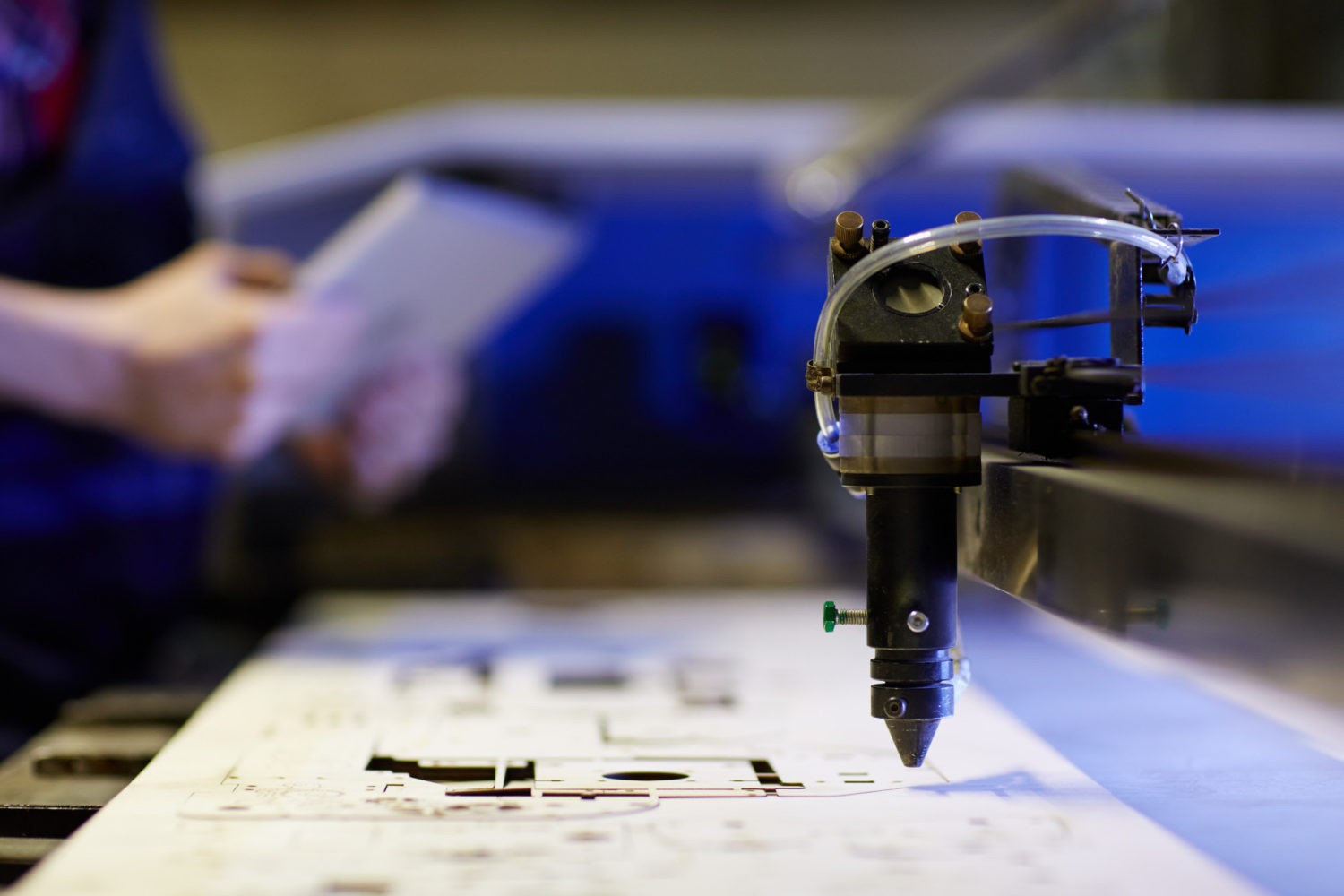
Laser engravers generally come in three performance tiers, each designed for a distinct level of output, material size, and workflow complexity. It’s important to note, however, that these are all desktop machines, and even the largest models only take up a small area of a spare bedroom, garage, or workspace.
The entry tier is compact and cost-efficient, built for smaller spaces and lighter production demands. These machines have moderate power and are ideal for intricate engraving or cutting on wood, acrylic, leather, and similar substrates at low to moderate volume. They’re common in startups, craft studios, and home-based businesses where space and budget are limited.
Examples of typical jobs include engraving logos or text on wooden coasters, tags, or small plaques; cutting and engraving acrylic nameplates, awards, or small signage components; and marking anodized aluminum business cards, ID tags, or promotional items where precision matters more than speed.
Mid-tier machines expand your throughput without a massive jump in complexity or footprint. They deliver higher power options and faster motion systems, making them competent at handling larger panels, plates, or batch runs. This tier suits growing operations that balance diverse projects with increasing order volume.
Common jobs include engraving and cutting larger wooden panels for retail displays or packaging inserts; batch engraving coated or anodized aluminum parts such as control panels, labels, or branded components; and producing mid-size acrylic signage, menu boards, or layered decorative pieces with consistent turnaround.
The high-performance tier of laser engravers targets a more demanding production environment. These units pair robust power configurations with faster acceleration, supporting heavier cutting tasks and higher daily workloads. They’re best for businesses scaling into consistent production, larger signage, or thicker materials.
Typical applications include cutting thick wood sheets for furniture components or architectural features; engraving large aluminum panels, plates, or signage elements at scale; and high-volume production of acrylic letters, wayfinding systems, or branded fixtures where speed, consistency, and material handling efficiency are critical.
How Different Materials Behave Under a Laser
Understanding the fundamental differences between how metal and organic materials respond to laser energy is essential to the decision-making process. With metals like aluminum, laser engraving is typically about surface interaction rather than depth. Anodized or coated aluminum engraves cleanly, producing high-contrast, permanent marks suited for branding, labelling, and identification. The quality of the result depends on surface treatment consistency and proper power control, not brute force.
Wood introduces a different set of variables. Density, grain direction, resin content, and moisture levels all influence engraving depth and contrast. Hardwoods tend to produce sharper detail but require slower speeds, while softer woods engrave faster but can darken unevenly. Plywood and engineered woods vary widely based on adhesives and internal layers, which affect both cut quality and edge finish.
Plastics, acrylics, leather, and rubber fall somewhere in between. Some engrave cleanly with crisp edges, while others melt or discolour if settings aren’t dialled in correctly. A machine suited for mixed materials must offer precise control over speed, power, and focus to adapt to these differences without constant trial and error.
Software, Workflow, and Day-to-Day Usability
You’ll first start enjoying some of the practical value of a laser engraver long before the first cut, starting with how easily designs move from concept to production. Today’s machines support common design file formats and integrate smoothly with mainstream design software to reduce friction and rework.
Just as important is how the software handles positioning, repeat jobs, and material setup. Features like camera alignment, consistent origin points, and saved job presets can dramatically shorten setup time when running batches or switching between materials.
For small teams and owner-operators with no plans to venture into substantially different products, limited-but-high-end performance matters more than advanced features that go unused. Over time, predictable software behaviour and repeatable workflows often matter more than marginal differences in engraving speed.
Budgeting Beyond the Purchase Price
Operating costs for a laser engraving machine include ventilation systems, replacement optics, routine maintenance, and workspace requirements. Power consumption and downtime can also impact your long-term profitability, especially for businesses running daily jobs.
If your business is considering scalability, entry-level machines are technically more cost-effective upfront but can require more hands-on time per job, while higher-capacity systems often offset their price through efficiency and consistency. A machine that supports optional upgrades or expanded material handling can extend its useful life as your demands grow.
Final Thoughts
Choosing a laser engraver is less about finding a machine that can do everything and more about choosing one that won’t limit what your business becomes. The right setup removes friction between ideas and execution, letting you test, refine, and produce without redesigning your workflow each time materials or products change.
That freedom compounds over time. It shows up as faster turnaround, fewer compromises, and the confidence to say yes to work that once felt out of reach. In a market where differentiation often comes down to detail and responsiveness, the ability to adapt quickly can be just as valuable as the work itself.