




Digital agencies love to talk about “teamwork” while quietly tripping over their hosting setups. Files live in three places. Staging sits on a mystery server. Credentials float through chat like loose nails. Collaboration doesn’t fail because designers and developers can’t get along. It fails because infrastructure turns every handoff into a scavenger hunt. Hosting isn’t a background utility. It’s the shared workbench. Tune it well, and people ship calmly. Tune it badly, and the agency spends billable hours arguing about permissions, downtime, and missing backups. Clients notice the drag long before anyone admits it.
Choose Hosting That Fits the Agency’s Tempo
Speed matters, yet predictability matters more. Agencies juggle many sites, constant edits, and sudden client “emergencies” that magically appear at 4:55 p.m. Shared hosting can work for small brochure sites, but serious collaboration needs consistent resources and clear account boundaries. Some teams start with an option like the Namecheap promo for new customers, which can be a practical way to get online quickly and keep early costs manageable. As needs grow, priorities often change, too. Pick a plan that scales cleanly, supports multiple environments, and keeps expansion manageable. Look for clear limits, straightforward upgrade paths, and responsive human support.
Standardize Environments or Enjoy Permanent Confusion
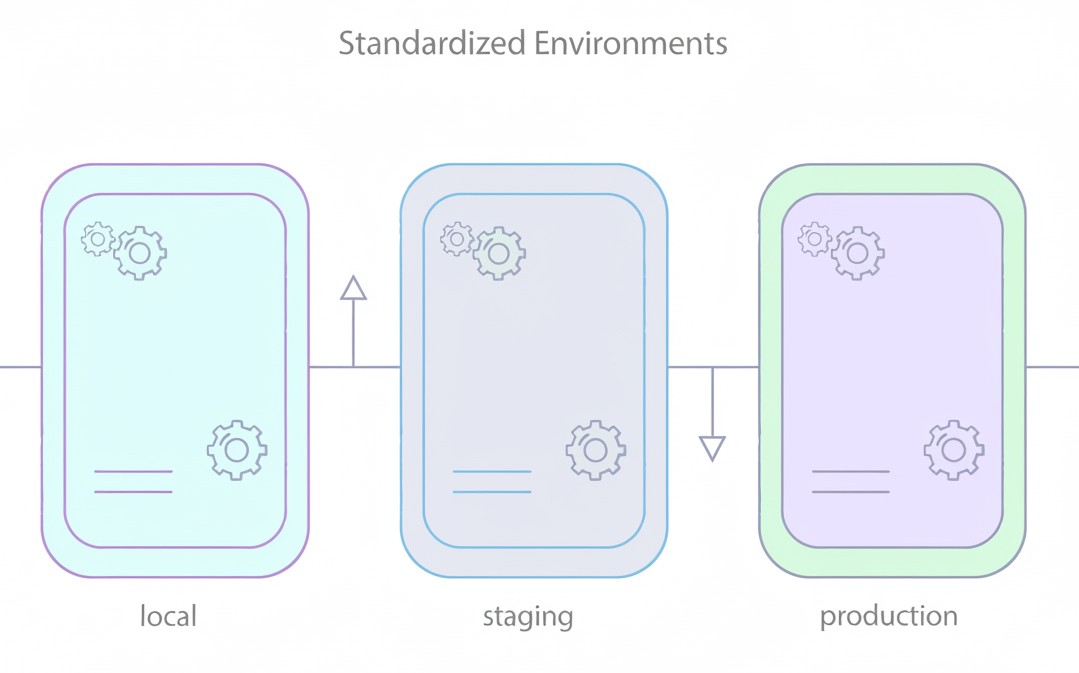
A designer tests on one URL, a developer tests on another, the client checks a third, and everyone argues about what “the site” even means. Standardization fixes that. Define a default stack. Same PHP version policy. Same caching layer. Same database settings. Same naming rules for domains and subdomains. Keep local, staging, and production aligned enough that bugs don’t hide in the gaps. Weird one-off server tweaks feel clever. They age like milk. Agencies need repeatable setups, not artisanal snowflakes. Consistency turns onboarding from pain into routine.
Make Staging Non-Negotiable
Collaboration dies when work lands directly on production. A staging site acts like a rehearsal room. People can try ideas, break things, argue, and recover without the client having to watch the whole mess in real time. Keep staging close to production, not a toy box. Mirror core services. Use masked data when needed. Automate deploys from staging to production with a clear approval step, because “somebody pushed something” isn’t a process. A real staging workflow turns nervous edits into confident releases. It also prevents “hotfix culture” from becoming the default personality.
Treat Access Control Like a Design System
Agencies often run hosting access like a house party. Everyone gets in. Nobody remembers who invited whom. Then the agency acts shocked when a contractor deletes the wrong database. Role-based access fixes these issues. Separate billing ownership from technical admin. Provide the least privilege by default. Time-box contractor access. Use SSO where possible. Require MFA, not as a suggestion, but as a gate. Store credentials in a proper manager, not in chat threads. Collaboration needs trust. Trust needs boundaries. Good access control also speeds up work, because nobody has to wait for the “one admin” to click buttons.
Centralize Logs and Stop Guessing
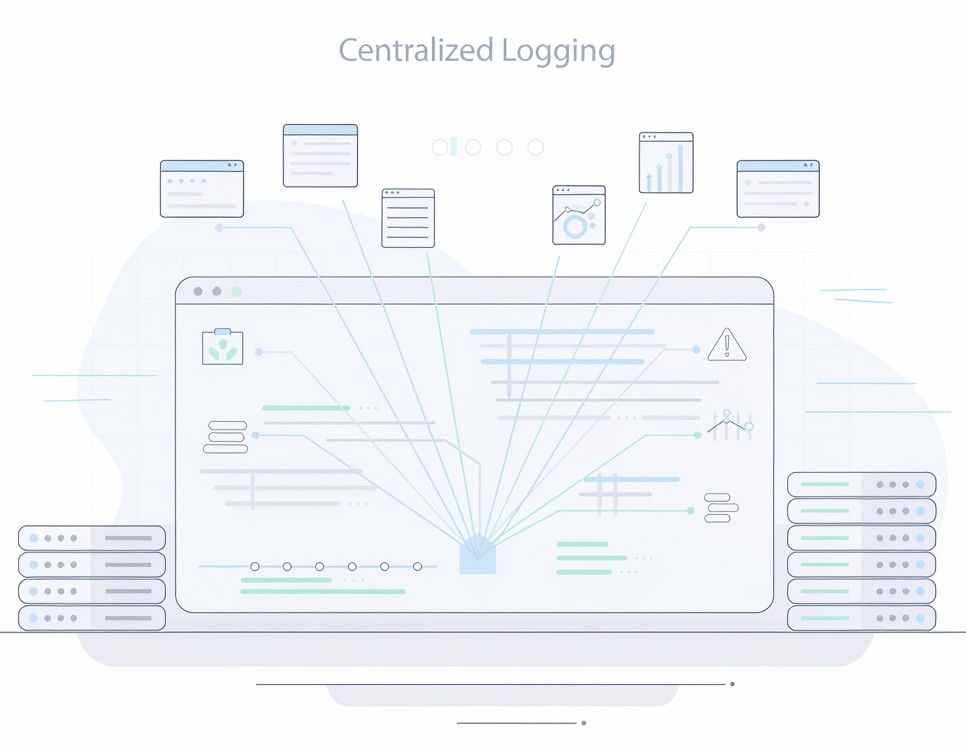
When something breaks, the agency needs facts, not vibes. Centralize server logs, application logs, and deploy history. Tag releases. Record who deployed, what changed, and when. Route alerts to a shared channel with clear severity rules so the team doesn’t ignore everything. Keep dashboards visible. A log stream works like a security camera for infrastructure. It also serves as a historian of team behavior. Patterns appear. Recurring failures confess themselves. What gets measured gets fixed, even when nobody enjoys admitting it. Logs also settle arguments fast. Evidence beats opinions every time.
Automate Backups Like Rent Is Due
Manual backups belong in the same museum as fax machines. Agencies need automated, verified backups with retention rules that match reality. Daily at a minimum. More often for high-change sites. Store copies off-server. Encrypt them. Tests restore on a schedule, because an untested backup counts as wishful thinking. Maintain a documented restore runbook that any team member can follow during an outage. Backups don’t just save sites. They save relationships. Clients forgive mistakes. They don’t forgive disappearing data. Keep separate snapshots for files and databases to ensure that restores are surgical rather than catastrophic.
Use Version Control as the Collaboration Spine
Git doesn’t just store codes. It stores accountability. Put themes, plugins, configuration, and build scripts under version control. Enforce pull requests for meaningful changes. Require code review even when the agency feels rushed, because rushed code creates slow weeks later. Pair Git with a CI pipeline that runs tests and basic checks automatically. Keep secrets out of repos through environment variables and secret stores. A disciplined repo turns a messy group project into a team that can rotate work without fear. Branch naming rules and release tags sound petty. They prevent chaos at scale.
Performance Tuning Is a Team Sport
Everyone, not just the sysadmin who faces blame for slow pages, plays a role in hosting performance. Cache rules affect design changes. Image pipelines affect content teams. Database indexes affect feature work. Set shared budgets for page weight and response time. Use a CDN. Enable server-side caching with clear bypass rules for previews and carts. Watch Time to First Byte and error rates. Keep stage performances close to production so performance work doesn’t turn into theater. Fast sites reduce friction. Friction kills collaboration quietly. Regular load tests beat last-minute panic. A predictable site makes the entire agency appear smarter than it actually is.
Document the Setup Like It’s Onboarding Material
Agencies lose momentum when knowledge lives inside one person’s head. Write down the hosting architecture, environment URLs, deploy steps, DNS rules, and emergency contacts. Keep it current. Put it in a place the team actually uses, not a forgotten wiki. Add diagrams, short checklists, and “common failure” notes. Documentation sounds boring. It isn’t. It’s the agency buying future time at a discount. When new hires ramp quickly, collaboration stops being dependent on tribal memory. Good documentation also protects margins by reducing the time wasted rediscovering old decisions.
Conclusion
Better collaboration doesn’t come from more meetings or a new project tool with attractive icons. It comes from a hosting foundation that makes the right behavior easy and the risky behavior annoying. Standard environments. Real staging. Tight access. Central logs. Automatic backups. Git plus CI. Performance rules everyone can understand. Documentation that survives staff changes. Agencies that do this stop treating hosting as an afterthought and start treating it as shared equipment. The payoff shows up in calmer launches, cleaner handoffs, and fewer late-night panics. Clients feel the difference. Staff retention improves too, because nobody wants to live in constant emergencies.