




For years, productivity meant subscriptions. Monthly fees for tutors, design tools, research databases, and automation platforms were seen as unavoidable. That assumption no longer holds. A new generation of AI tools now delivers the same core value as premium software — without charging users upfront.
This article highlights 15 free AI tools that perform like paid applications. Each tool replaces a specific category of expensive software, from tutoring and research to design, automation, and content creation. These solutions are practical, accessible, and reliable. Together, they show how AI alternatives to paid apps can support students, professionals, and creators without compromising results.
1. AskTutor.ai
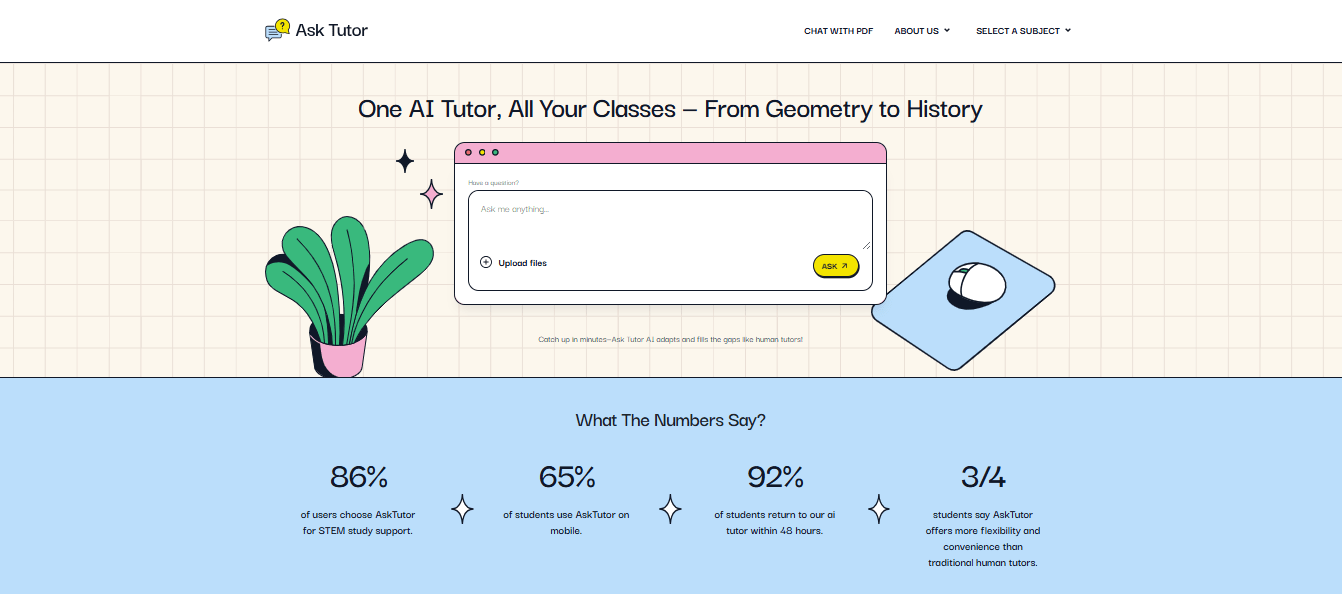
AskTutor.ai is an AI-powered platform designed to support students in academic subjects like math, science, writing, and exam preparation. Unlike generic chatbots, it explains concepts step-by-step rather than offering quick answers. For learners searching for high-quality student AI resources, AskTutor.ai functions as an online AI tutor that adapts explanations to the user’s level, encourages follow-up questions, and supports document-based learning, making AskTutor.ai especially useful for homework, revision, and self-study sessions that need structure rather than shortcuts. The platform allows users to upload PDFs or notes and ask questions directly about the content.
Main features
- Step-by-step academic explanations
- Multi-subject tutoring support
- Document-based learning via uploads
- Browser-based access without required signup
Pros
- Encourages real understanding
- Suitable for independent study
- No subscription barrier
Cons
- Not designed for institutional grading
- Limited classroom management tools
2. SlidesAI
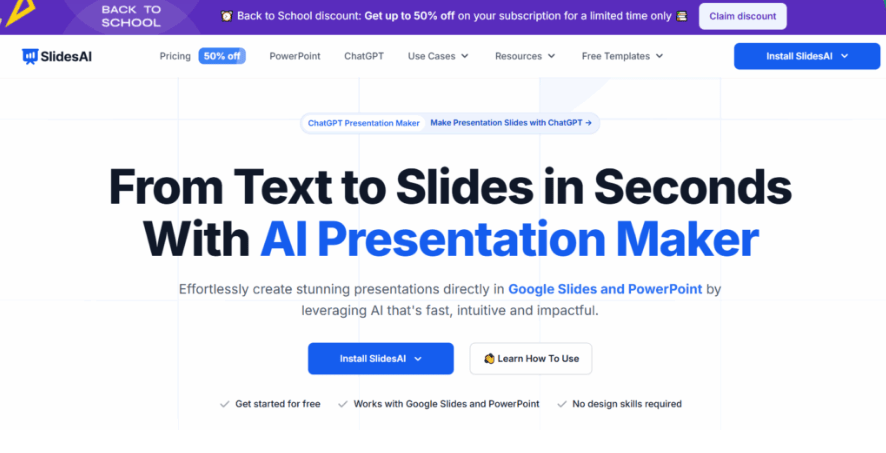
SlidesAI is designed to transform written text into clean, well-structured slide presentations. It replaces paid presentation software by automating layout, content flow, and slide organization, which significantly reduces preparation time. Students and professionals can paste lecture notes, reports, or outlines into SlidesAI and receive a complete slide deck that follows logical sequencing. The tool integrates smoothly with Google Slides, allowing further edits if needed. SlidesAI works best when clarity matters more than heavy design customization.
Main features
- Text-to-slide automation
- Logical content structuring
- Google Slides compatibility
Pros
- Saves hours of formatting work
- Easy to use with minimal setup
- Suitable for academic and business use
Cons
- Limited design flexibility
- Visual styling remains basic
3. Quizlet
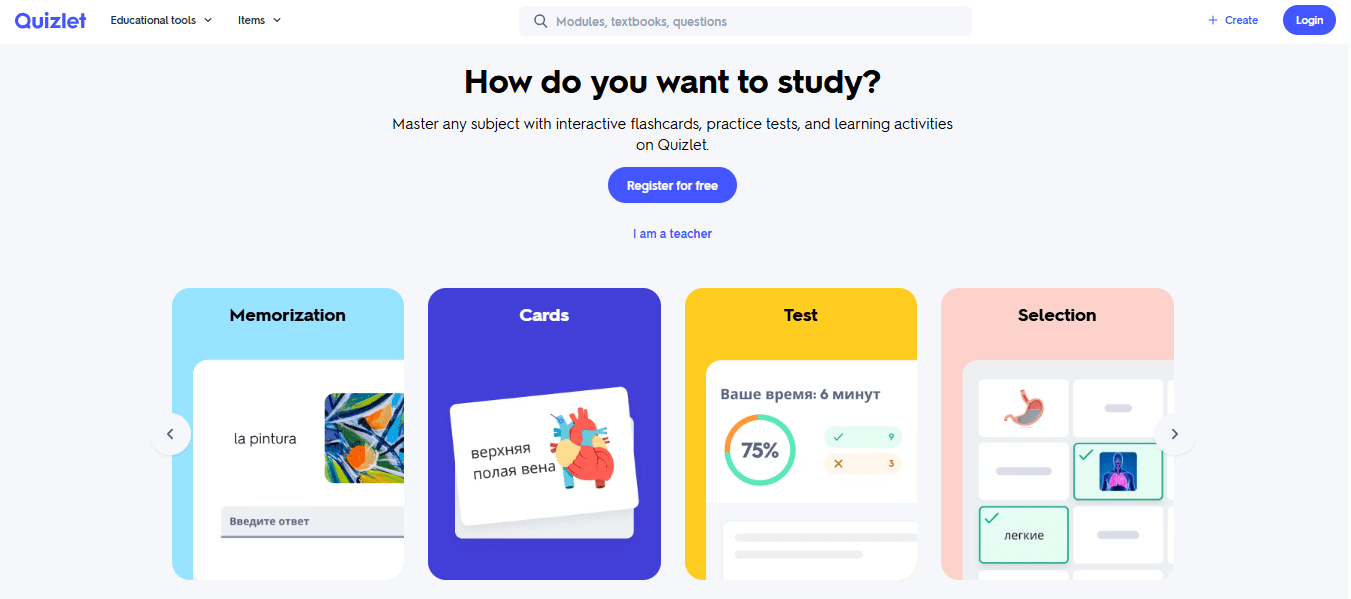
Quizlet is an AI-supported learning platform focused on memorization and active recall. It replaces paid study tools by enabling users to create flashcards, quizzes, and practice tests with adaptive learning modes. The platform analyzes how users respond and adjusts repetition accordingly. This makes it particularly effective for vocabulary, formulas, definitions, and exam preparation. Quizlet’s large public library also allows learners to access existing study sets created by others.
Main features
- AI-enhanced flashcards
- Practice tests and quizzes
- Adaptive learning modes
Pros
- Excellent for exam prep
- Strong mobile experience
- Large shared content base
Cons
- Advanced analytics are limited
- Less suitable for conceptual writing tasks
4. Consensus
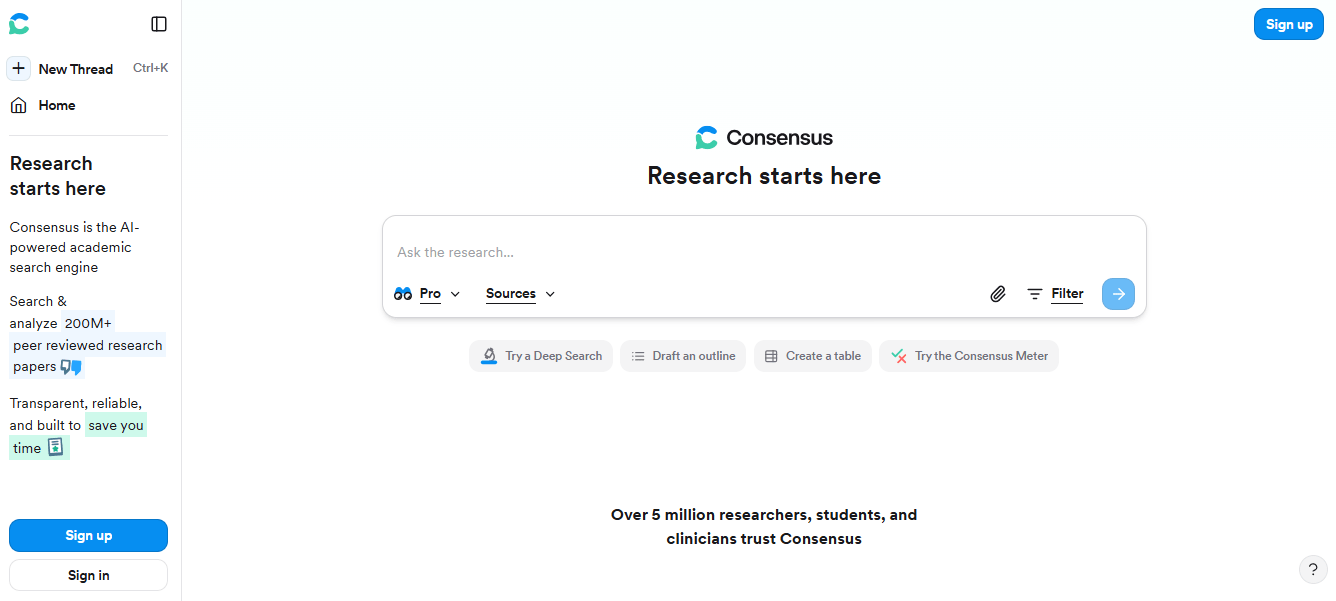
Consensus is a research-focused AI tool that answers questions using peer-reviewed academic papers. It effectively replaces paid academic databases for many research tasks, especially when evidence-backed answers matter. Rather than summarizing opinions, Consensus extracts conclusions directly from scientific literature and presents them clearly. This makes it valuable for students writing essays, professionals preparing reports, and anyone who needs verifiable information without navigating dense journals.
Main features
- Research-backed AI answers
- Citation-based summaries
- Academic paper filtering
Pros
- High credibility
- Transparent sources
- Time-efficient research
Cons
- Limited to research queries
- Not suitable for creative tasks
5. ProProfs Quiz Maker
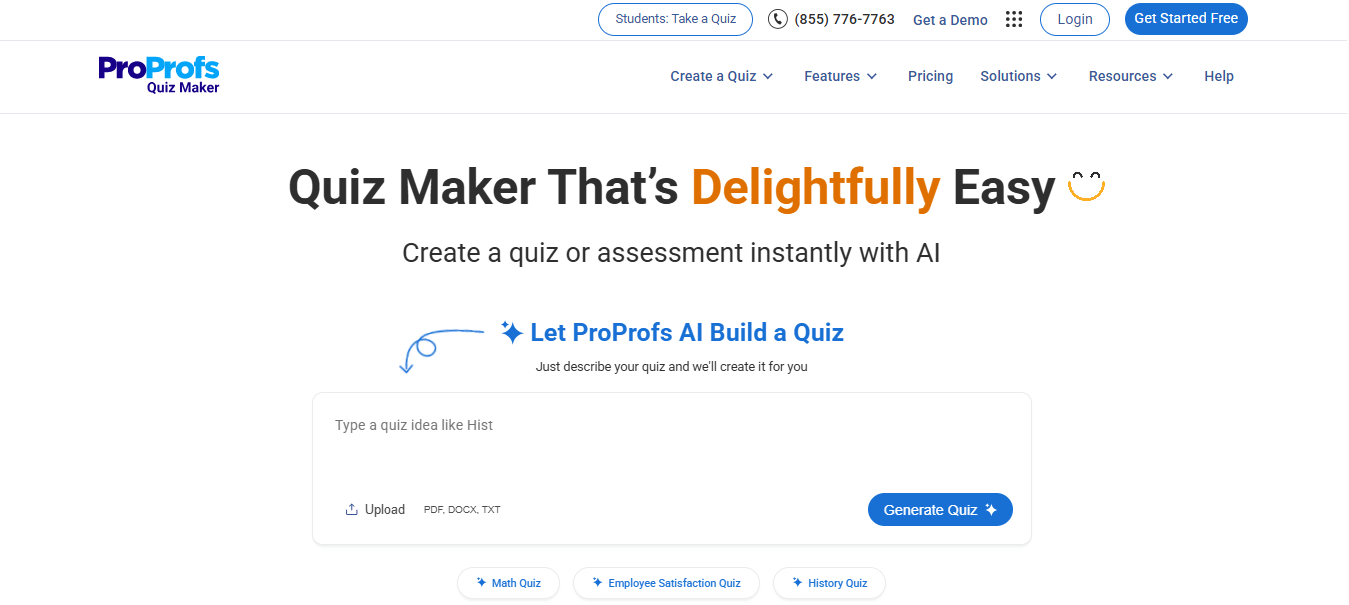
ProProfs Quiz Maker allows users to create quizzes, assessments, and surveys without investing in paid learning management systems. It is commonly used by educators, trainers, and HR teams. The platform supports automatic scoring, multiple question formats, and easy sharing. While it does not replace full LMS platforms, it covers core assessment needs efficiently.
Main features
- Quiz and test creation
- Automated grading
- Shareable links
Pros
- Quick setup
- User-friendly interface
- Useful for training and education
Cons
- Basic design options
- Limited branding customization
6. Playground AI
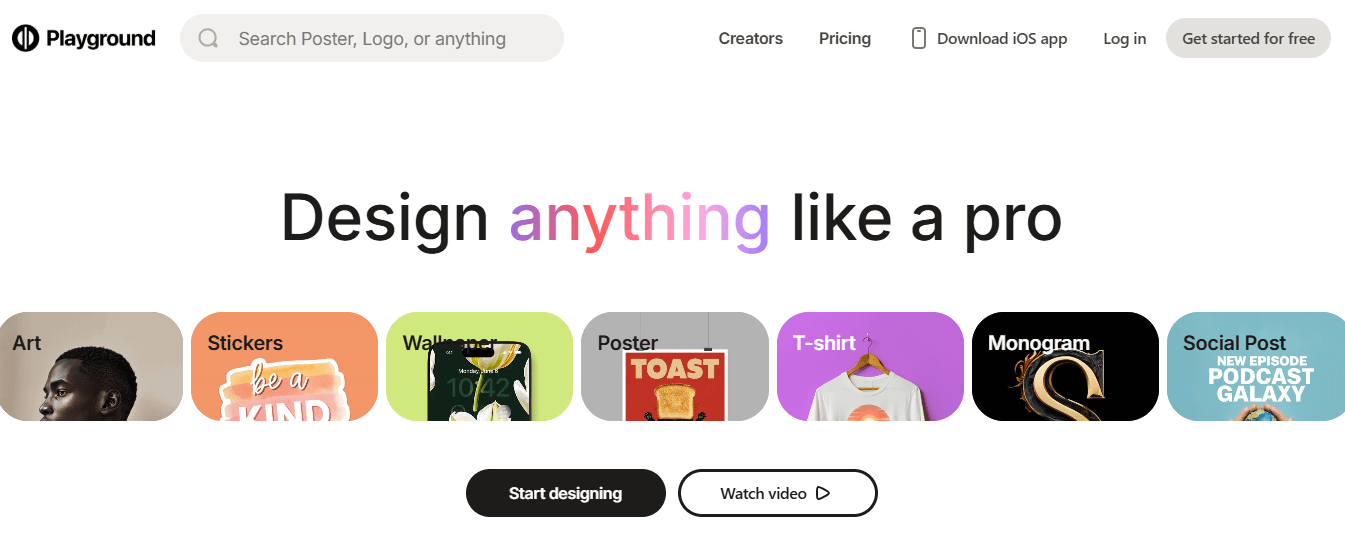
Playground AI is a free image generation platform that competes with premium creative software. Users can generate images from text prompts and adjust styles for different creative needs. The tool suits concept art, social media visuals, and brainstorming sessions. While usage limits apply, Playground AI offers enough flexibility for non-commercial creative work.
Main features
- Text-to-image generation
- Style customization
- Image editing tools
Pros
- No design background needed
- Fast creative output
- Accessible interface
Cons
- Usage caps apply
- Commercial rights may vary
7. Documator
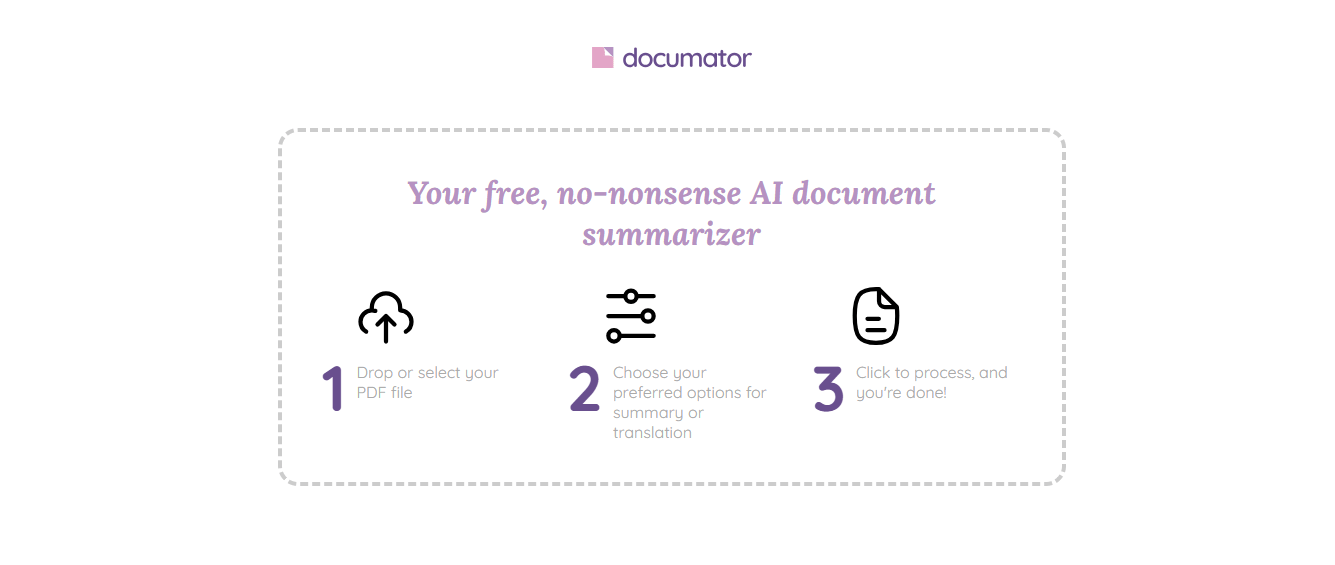
Documator automates document creation using templates and logic-based inputs. It replaces paid document automation platforms often used in legal and business settings. Users can generate contracts, forms, and structured documents consistently while reducing manual errors. Documator is best suited for repetitive document workflows rather than creative writing.
Main features
- Automated document generation
- Conditional logic
- Export-ready formats
Pros
- Reduces repetitive work
- Improves document consistency
- Professional output
Cons
- Initial setup takes time
- Limited creative flexibility
8. Canva AI
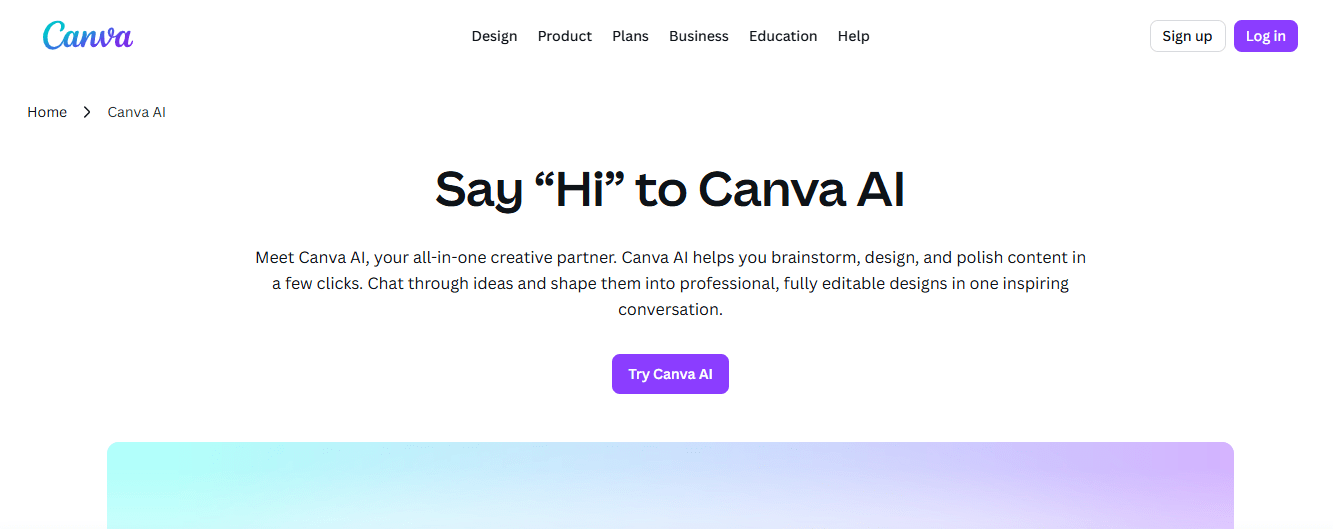
Canva AI enhances Canva’s design platform by automating layout, image generation, and text placement. It replaces several paid design tools by making visual creation accessible to non-designers. Users can generate social media graphics, presentations, and marketing materials quickly. The AI suggests layouts that follow design best practices.
Main features
- AI-assisted layouts
- Text-to-image tools
- Template-based design
Pros
- Beginner-friendly
- Versatile use cases
- Large template library
Cons
- Advanced exports may require payment
- Limited professional control
9. Runway ML

Runway ML brings AI-powered video editing to the browser. It replaces paid post-production software for tasks like background removal and motion tracking. Content creators use Runway ML to experiment with visual effects without installing heavy software. The platform focuses on creative flexibility rather than traditional editing workflows.
Main features
- AI video effects
- Background removal
- Motion tracking
Pros
- Powerful creative tools
- Web-based access
- Ideal for creators
Cons
- Export limits
- Processing delays
10. Resume.io
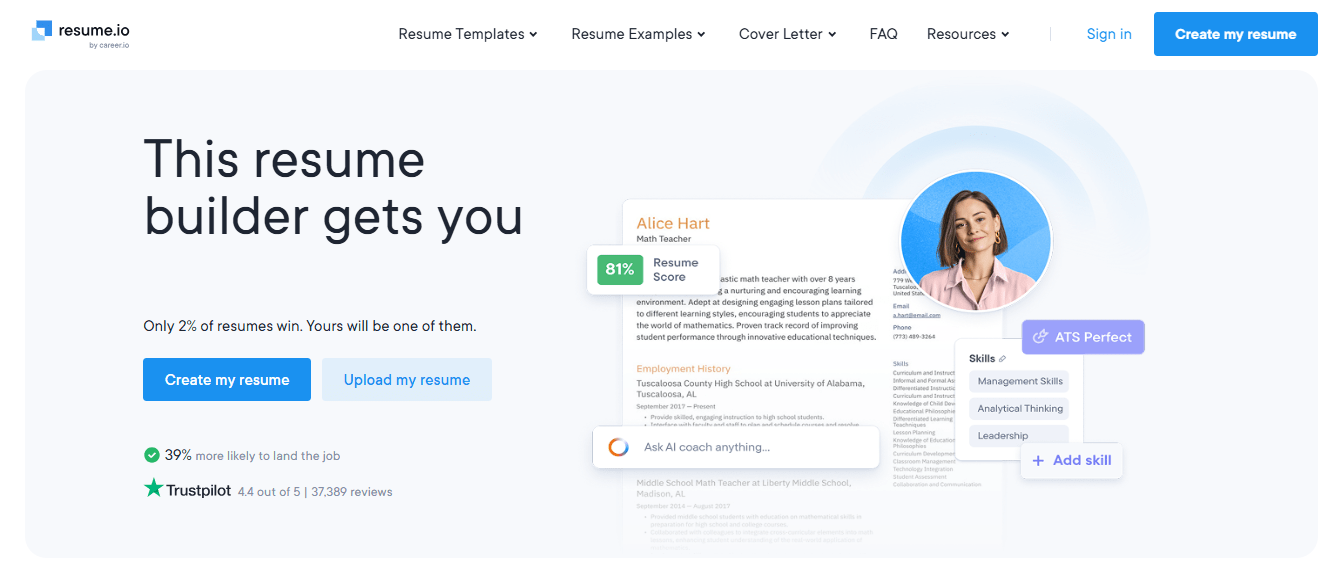
Resume.io helps users create professional resumes and cover letters using AI guidance. It replaces paid resume-building software by offering structured templates and writing support. The platform focuses on clarity, formatting, and readability, which makes it especially useful for job seekers who want fast results.
Main features
- Resume templates
- AI writing suggestions
- Export options
Pros
- Quick setup
- Professional layouts
- Easy editing
Cons
- Limited free downloads
- Less niche customization
11. DeepSeek
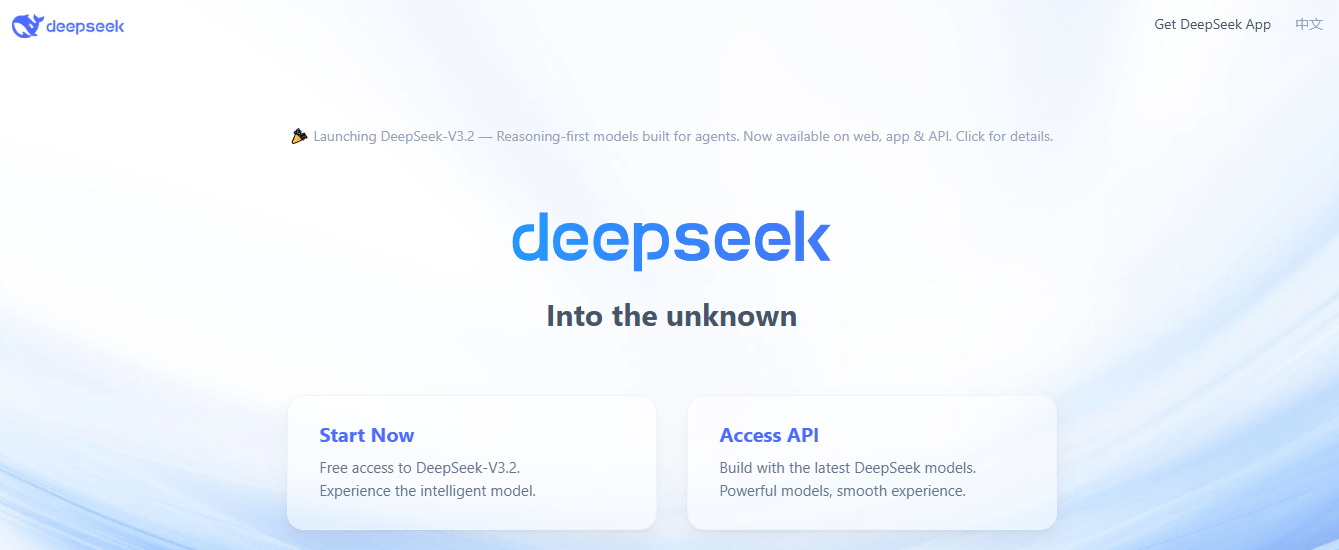
DeepSeek is an advanced AI model optimized for reasoning, research, and technical tasks. It rivals paid AI assistants in analytical depth and problem-solving capability. Developers and analysts use DeepSeek for coding help, logic-based questions, and structured analysis. The interface remains minimal but effective.
Main features
- Advanced reasoning
- Technical analysis
- Long-form responses
Pros
- Strong logic performance
- Free access
- Suitable for professionals
Cons
- Minimal interface
- Learning curve for beginners
12. Gemini AI
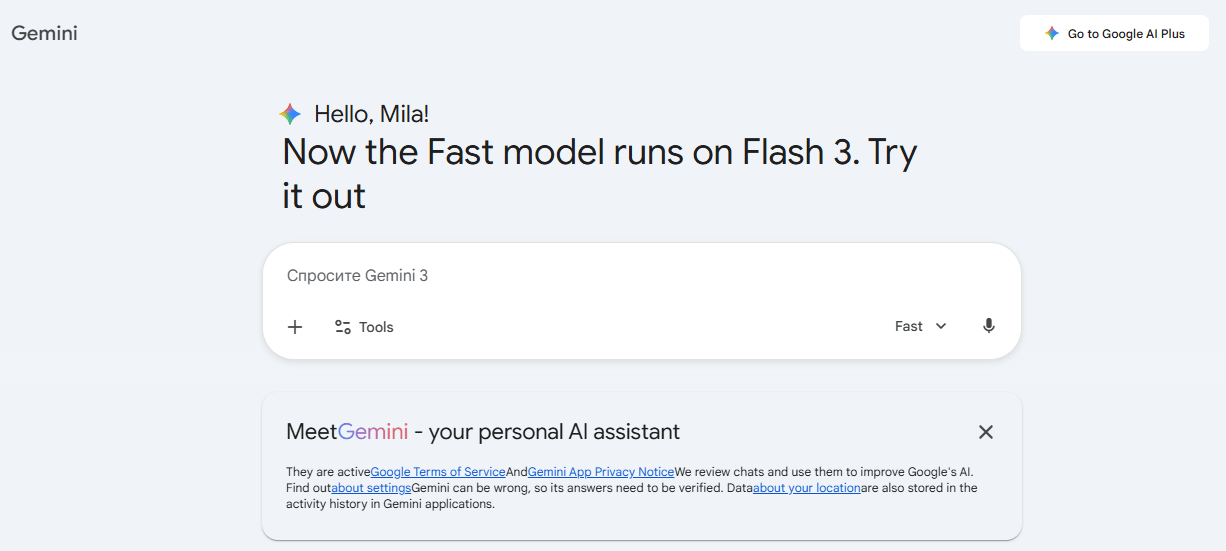
Gemini AI by Google functions as a general-purpose assistant for research, writing, and productivity tasks. It replaces paid assistants by integrating search-backed responses with conversational AI. The tool works well for factual tasks, summaries, and everyday productivity needs.
Main features
- Conversational AI
- Research assistance
- Code support
Pros
- Reliable factual output
- Google ecosystem integration
- Easy to use
Cons
- Creativity can feel restrained
- Feature availability varies
13. Gorgias
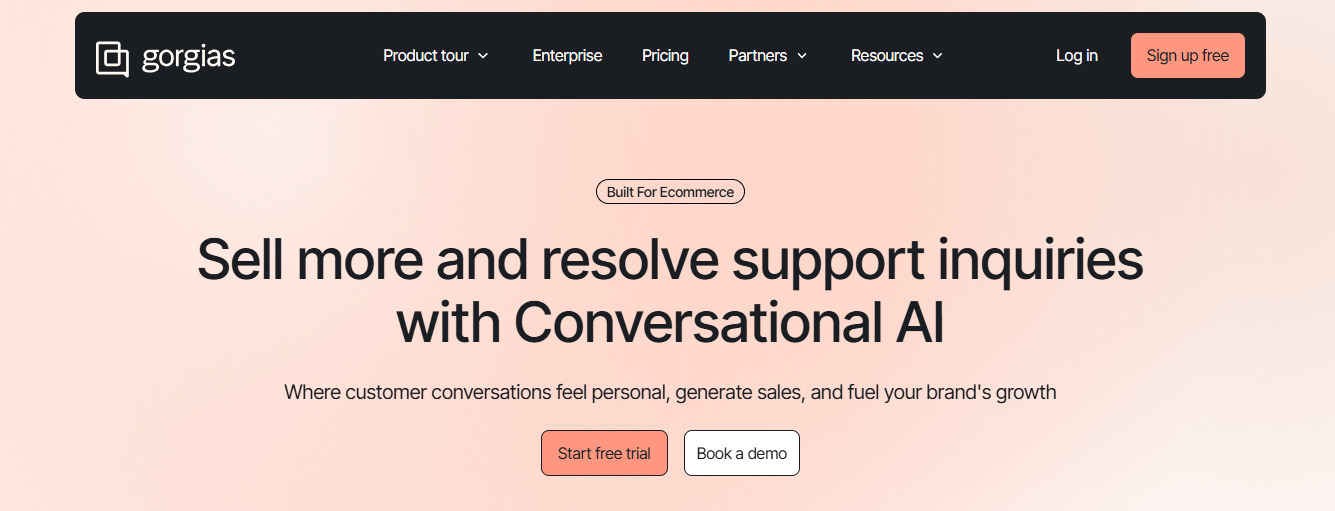
Gorgias applies AI to customer support workflows, helping businesses manage tickets efficiently. It replaces paid helpdesk software for smaller teams. The platform uses AI to suggest responses and organize conversations, improving response speed and consistency.
Main features
- AI-assisted replies
- Ticket management
- E-commerce integration
Pros
- Saves support time
- Improves workflow efficiency
- Scales with business needs
Cons
- Best for e-commerce use
- Requires setup effort
14. DALL·E
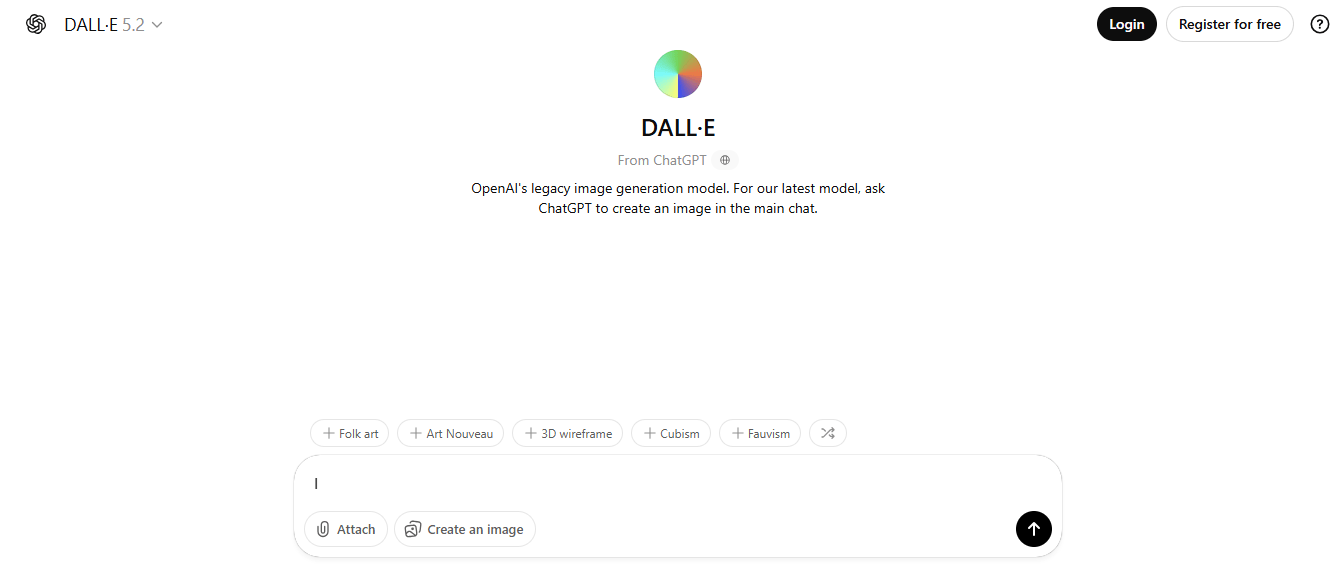
DALL·E generates images from text prompts and competes with paid visual generation tools. It is commonly used for concept visualization and creative experimentation. The platform focuses on idea generation rather than detailed manual editing.
Main features
- Text-to-image generation
- Creative visualization
- Concept exploration
Pros
- High-quality images
- Simple input process
- Strong creative output
Cons
- Usage limits
- Limited editing controls
15. ZoomAI
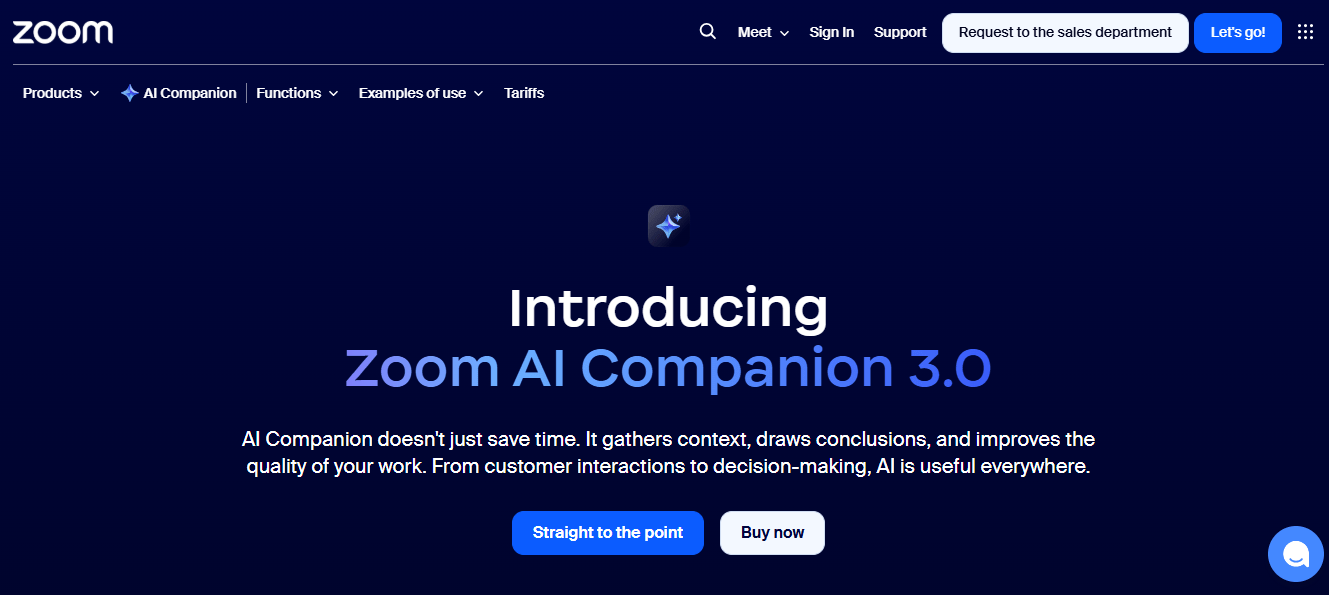
ZoomAI enhances online meetings by generating summaries, notes, and action points automatically. It replaces paid meeting intelligence tools by focusing on clarity and follow-up efficiency. Teams use ZoomAI to reduce note-taking and improve post-meeting alignment.
Main features
- AI meeting summaries
- Action item extraction
- Workflow support
Pros
- Saves time
- Improves accountability
- Fits real work scenarios
Cons
- Dependent on audio quality
- Free tier limits apply
Conclusion
These tools prove that powerful software no longer requires expensive subscriptions. Each option in this list operates as a practical AI productivity tool, delivering real value without locking users into payments. Together, they form a growing ecosystem of no-cost AI apps that support learning, creativity, research, and professional work. For anyone willing to explore smarter solutions, free AI now offers more than affordability — it offers freedom.