




Remote work has taken the world by storm. Currently, there are three times as many remote jobs as there were available in 2020. Developers can now build, test, and deploy software from anywhere in the world, collaborating seamlessly with teammates.
However, if you’re wondering how security and productivity fare in a remote setup, read on to explore how teams strike the perfect balance.
Security vs Productivity Dilemma
In remote work, security requires multiple authentication steps, encryption, monitoring, access controls, and compliance. On the other hand, productivity is all about keeping things simple and high speed with minimal barriers. Thus, remote workers often feel that they have to sacrifice either security or productivity.
This is because when security is too tight, developers experience complications from excess protection, delays, and even tool fatigue. On the other hand, when productivity is a priority, you ignore protection. Businesses face a higher risk of data leaks, credential compromise, and system vulnerabilities.
Successful and cautious remote teams don’t pick sides. They design a system where both security and productivity complement each other instead of obstructing one another.
Zero Trust Foundation
Some development teams work with a zero-trust security foundation. In this, they don’t assume or trust that a user’s device is protected just because they use a particular network. Instead, they verify every time for potential threats.
In practice, this involves using strong authentication for each login. They ensure certain confidential data is accessible only by certain teams and roles, preventing unauthorized access. Dedicated teams also ensure the system conducts continuous user and device verification. Lastly, they ensure communication encryption.
Although this sounds like a lot of work, Zero Trust practice boosts productivity. This eliminates reliance on VPN networks and makes it easier to ensure security using a single platform.
Secure Access Minus Lagging
Access management typically involves two methods:
Single sign-on (SSO) lets developers access several tools from a single login. This can include git repositories, CI/CD platforms, cloud consoles, and project management systems.
SSO also ensures you can make do with fewer passwords, eliminating the need to remember or write down multiple passwords. It causes less friction during onboarding. In case someone leaves or is pushed out, it makes access revocation easier. Thus, SSO offers both security and productivity.
Another type is multi-factor authentication (MFA), which adds extra layers of protection to devices and networks beyond the password. This can be biometrics, authenticator apps, or hardware security keys.
With MFA, you will have to spend just a few seconds more to log in. However, this will offer extra protection, ensuring minimal to no account compromises. Most developers don’t mind this minor friction as it can dramatically enhance safety.
Secured Devices and Productive Workstations
Whether a developer works from home, a café with public wi-fi, or coworking spaces, in these scenarios, the devices turn into a new security perimeter.
For such setups, the devices need full disk encryption, endpoint protection software, an OS-level enabled firewall, automatic screen locking, and regular system updates.
Rather than restricting the team, this strategy is all about general device protection. It secures the system, but no development tool is limited.
Often, organizations dealing with sensitive data provide a pre-configured laptop to employees where the security policies are already in place. These come with built-in VPN and secure access. They also have standard development environments installed ahead of time. These little efforts help developers save time and become more productive.
VPN Usage without Performance Issues
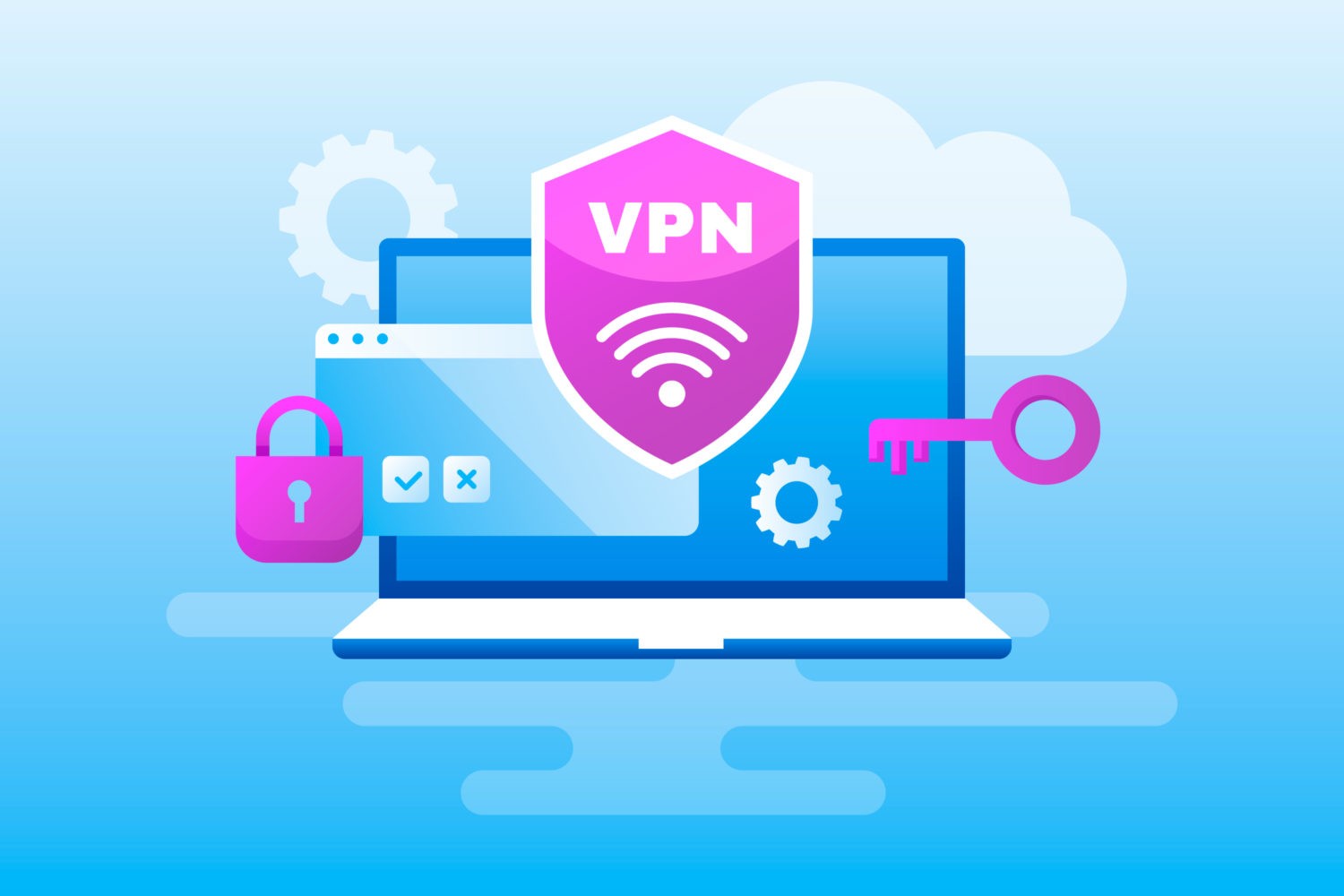
VPNs are the most commonly used tools nowadays. But not all VPNs are built equally. However, smart teams know exactly which VPNs to use and which to avoid.
For instance, traditional VPNs are known to route traffic through corporate networks. As a result, the internet speed and the development team’s workflow slow down completely.
As noted by VPNOverview, VPN services discussed under Proton VPN deals are one example of how teams can encrypt remote connections and manage access to internal systems without slowing themselves down. These setups create a secure link between users and networks, particularly when combined with selective routing and access controls.
To optimize performance, teams often use split tunneling to divide the traffic, where only specific sensitive traffic gets to pass through the VPN.
Another strategy involves application-level access rather than full-network access. Using cloud-native secure access tools is the next strategic option. These protect sensitive systems, so developers can focus on working full speed.
Containerization for Risk Isolation
Containers are known to balance productivity and security as well.
For instance, if you use Docker or similar tools, all developers receive identical environments. Thus, they don’t have to put extra work on an individual machine to reach a standard or avoid particular issues. They also minimize the risk of contamination of the system. These help in faster onboarding and minimize time spent on fixing environment issues, ensuring higher productivity in code writing.
Containers offer better security as the applications can run in isolated environments. They ensure minimal risks to host systems. Plus, scanning vulnerabilities in an isolated container is much easier with controlled dependencies.
Version Control for Security Layer
Another productivity tool cum security asset is Git. It helps with protected branches, role-based repositories, code reviews, commit history auditing, and mandatory pull requests.
This helps ensure a single developer’s actions cannot introduce dangerous changes to it. Every change can be traced. And the system catches errors early.
Thus, it merges security with the development and workflow instead of keeping it separate.
CI/CD Pipelines for Security Automation
Modern CI/CD lines have integrated security checks. These include static code analysis, secrets detection, container image scanning, and dependency vulnerability scanning.
They eliminate the need for manual security audits. Rather, they run checks in seconds, especially during every build. If there is any issue, developers get notified immediately. This is also known as the Shift Left Security, where security is faster than the development process. This ensures faster fixes, lower risks, and zero surprise security blockers.
Remote Collaboration without Security Gaps
Remote teams collaborate with each other using a range of tools. These can be Slack, Discord, Teams, GitHub, GitLab, Bitbucket, Jira, Trello, and Linear.
To ensure all these platforms are secure, each of them needs SSO and MFA. Only limited individuals based on role should get access. Access to the platform must be checked regularly. All communications must be encrypted. These ensure that your tools don’t turn into security vulnerabilities.
Management of Sensitive Data
If you hardcode passwords and API keys, it can lead to a serious risk. On the flip side, complicated secrets management can slow down the team.
With the help of modern solutions, you can easily maintain a balance in environment variables, automatic key rotation, encrypted vaults, and cloud secrets managers.
This lets developers access secrets using programs without even using the real credentials. Thus, it protects sensitive data and ensures smooth workflows.
Conclusion
Remote work offers lots of freedom and flexibility while letting top global talent connect. With the right tools, it can also ensure a proper balance between security and productivity.