




Gartner reckons more than 40% of agentic AI projects will be scrapped by 2027, and the firm’s own analysts blame “agent washing” — vendors slapping the word agent on what is functionally a chatbot, an RPA script, or last year’s assistant with a new logo. In a January 2025 Gartner survey, analyst Anushree Verma estimated that out of the thousands of products marketed as AI agents, only around 130 vendors actually offered genuine agentic capabilities.
So before we get to the list, here’s the uncomfortable starting point: most of the tools on most of the “best AI agents 2026” articles you’ve read aren’t actually agents. They’re assistants with a marketing budget. That matters because the buying decision is different. An assistant answers questions. An agent takes action on your behalf, makes decisions when conditions change, and finishes the job without you babysitting each step.
The good news: a small number of tools clear the bar, and once you know what to look for, the shortlist gets short fast.

What ”agent” actually means in 2026 (and why the line dissolved)
A year ago there was a tidy distinction. Assistants chatted. Agents acted. In 2026, every flagship product — ChatGPT, Claude, Gemini, Copilot — does both, which is why the categories collapsed and why search volume for “AI agents” has spiked.
The useful test isn’t what the vendor calls it. It’s whether the tool can do three things without you in the loop:
- Decide between more than one plausible next step.
- Act in another system — write to your CRM, push a PR, send an email, file a ticket.
- Recover when something it tried didn’t work the first time.
If a product fails any of these, it’s an assistant. Useful, often great, but not an agent. The pricing should reflect that and frequently doesn’t.
According to Gartner’s 2026 CIO Survey, only 17% of organizations have actually deployed AI agents, yet more than 60% plan to within two years — the steepest adoption curve of any technology Gartner measures (source: Gartner Hype Cycle for Agentic AI, 2026). The gap between intention and deployment is where most of the failures live.
The categories that matter
Forget the alphabetical mega-lists. Teams don’t buy “an AI agent” — they buy a solution to a specific bottleneck. These are the five categories where the tools have matured enough to be worth deploying in production this year, with the short list inside each.
1. Coding agents: the most mature category by a wide margin
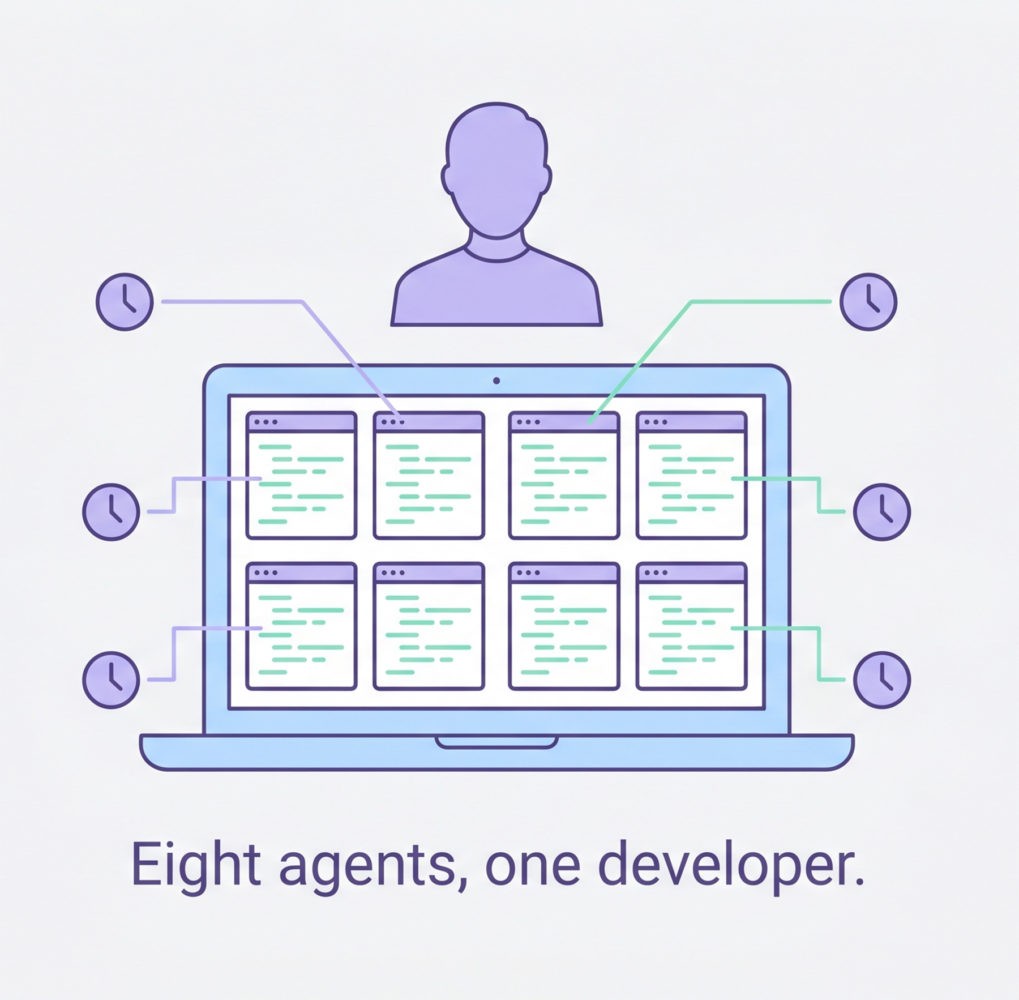
This is the area where agents have stopped being a demo. Cursor reportedly hit $2 billion in annualized revenue by February 2026, doubling its run rate in three months and making it the fastest-scaling B2B software company on record. The October 2025 update introduced parallel agents — running up to eight agents simultaneously on different parts of a codebase via git worktrees — and the April 2026 release went further, replacing the classic IDE layout with an agent-first interface built around managing fleets of parallel agents (source: Sacra). This is the kind of thing that changes how a team works rather than how it markets itself.
Claude Code has become the reasoning-heavy choice for complex refactors and architecture work. Anthropic disclosed in September 2025 that Claude Code had generated more than $500 million in run-rate revenue since its full launch in May 2025, and it’s been the fastest-growing competitor in the category. GitHub Copilot Workspace remains the safest bet for teams already deep in the GitHub ecosystem. Devin sits at the autonomous end of the spectrum — you hand it a Jira ticket, it returns a PR. It’s expensive (around $500/month at team tier) and only worth it if you actually have a backlog of well-specified tickets to clear.
The practical pattern that’s emerged in well-run engineering teams: a base layer of Copilot or Cursor for daily work, Claude Code for the gnarly stuff, and Devin (or similar) for clearing tickets that don’t need human judgment. Don’t pick one, stack them.
Actionable today: Run a one-week experiment. Have two developers use Cursor’s parallel agents on a refactoring task you’ve been putting off. Measure the time saved against the review time added. That’s your real ROI signal.
2. Workflow and operations agents: where the no-code crowd lives
This is the messy middle of the market and where most of the agent-washing happens. The legitimate options:
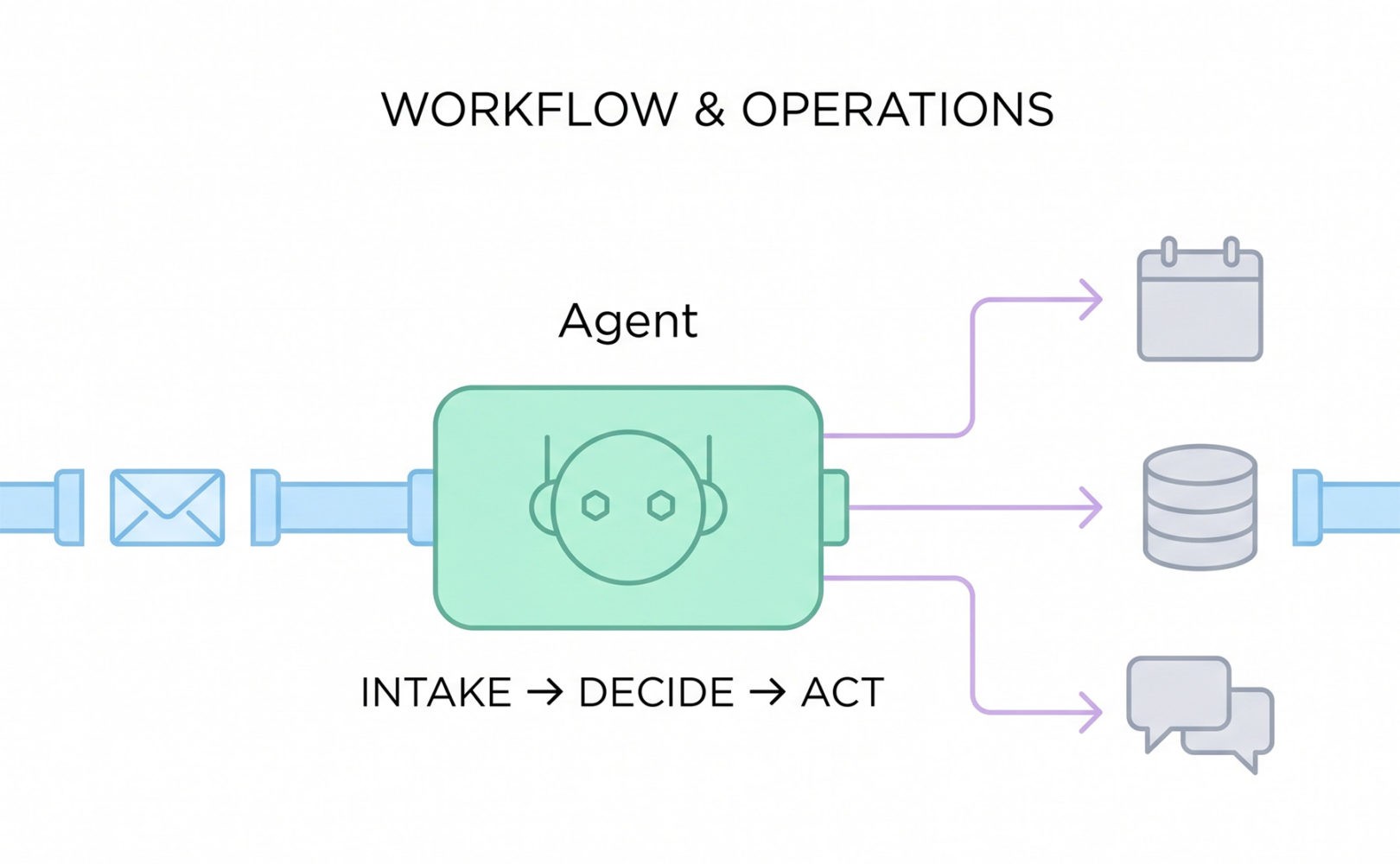
Lindy has quietly become the default for small and mid-sized teams who want agents that handle email triage, calendar coordination, and inbox-to-CRM workflows without a developer. n8n is the open-source, self-hostable choice for teams with a technical lead and data residency concerns. Zapier Agents is the natural upgrade path if you’ve already got Zaps wired into half your stack.
Microsoft’s Copilot Studio is the enterprise default if you live in Microsoft 365, but the licensing maths got worse in April. As of April 15, 2026, Microsoft removed Copilot Chat from Word, Excel, PowerPoint, and OneNote for unlicensed enterprise users (organizations over 2,000 seats lost it entirely; smaller orgs were throttled). The paid Microsoft 365 Copilot license costs $30 per user per month for larger customers and $21 for those under 300 users (source: Computerworld, March 2026). Microsoft itself disclosed in January 2026 that only around 3% of M365 tenants pay for the full Copilot license, which tells you something about how the value proposition is landing.
3. Customer-facing agents: voice is the frontier
The interesting movement in 2026 is in voice. Sierra has emerged as a serious choice for consumer brands handling complex support flows — co-founded by former Salesforce co-CEO Bret Taylor, it’s been picking up Fortune 1000 deployments. Intercom Fin and Ada cover the chat-first end of the market. Genesys and PolyAI dominate the high-volume voice and contact-centre space.
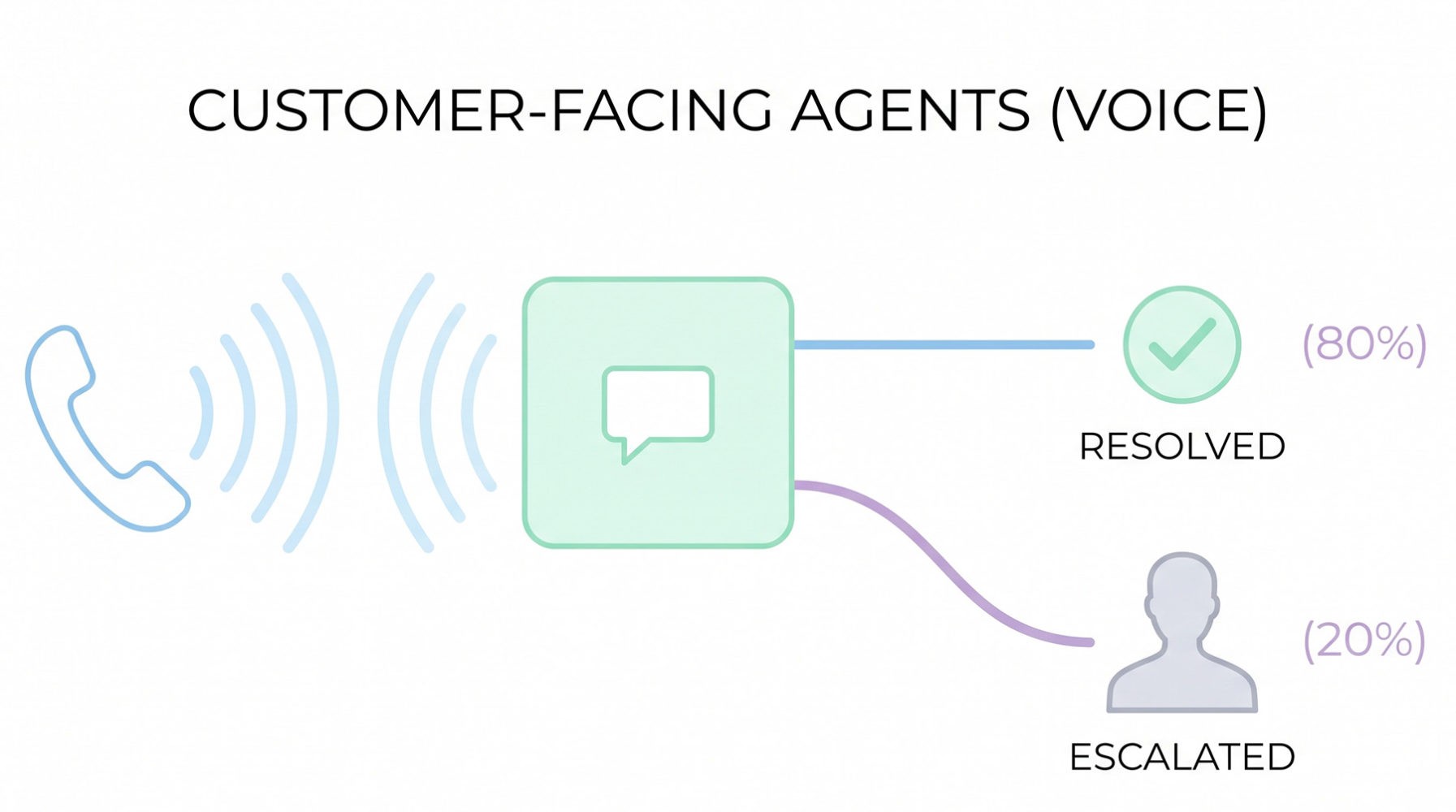
The honest caveat: this is the category Gartner specifically flagged as causing the most damage. The firm predicts that in 2026, one-third of companies will harm their customer experience by deploying customer-facing AI prematurely (source: Gartner, via Search Engine Land). A support agent that handles 80% of tickets well and the other 20% catastrophically is not an 80% win — it’s a brand problem.
If you’re going to deploy here, the rule is simple: route by confidence score, not by volume. Anything the agent isn’t certain about goes to a human. The teams seeing real gains are at >80% deflection on routine tickets, with clean escalation on everything else.
4. Sales and revenue agents: the SDR layer is being rebuilt
This is the category that’s most aggressively replacing roles rather than augmenting them. Salesforce Agentforce is the obvious enterprise pick if you’re already on Salesforce. HubSpot Breeze is the SMB equivalent on the HubSpot side. Clay, HeyReach, and a wave of newer GTM tools handle the lead-research and outbound layer that used to need a team of SDRs.
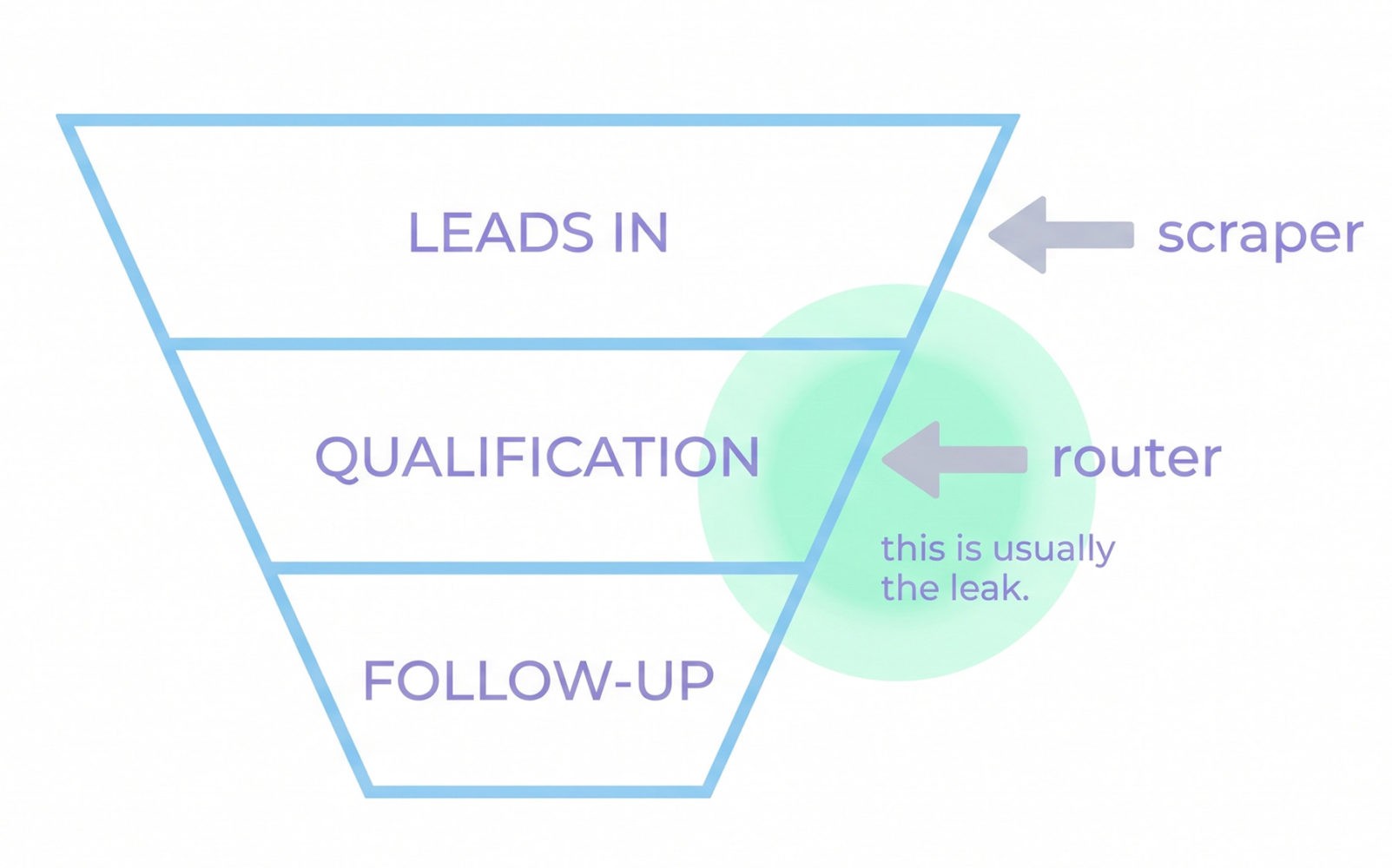
The contrarian take: most teams are buying the wrong tool here. They’re buying outbound automation when their actual problem is inbound qualification. Before you sign a contract, look at where your funnel actually leaks. If you’re getting plenty of leads and dropping the slow ones, you need a routing and follow-up agent, not another scraper.
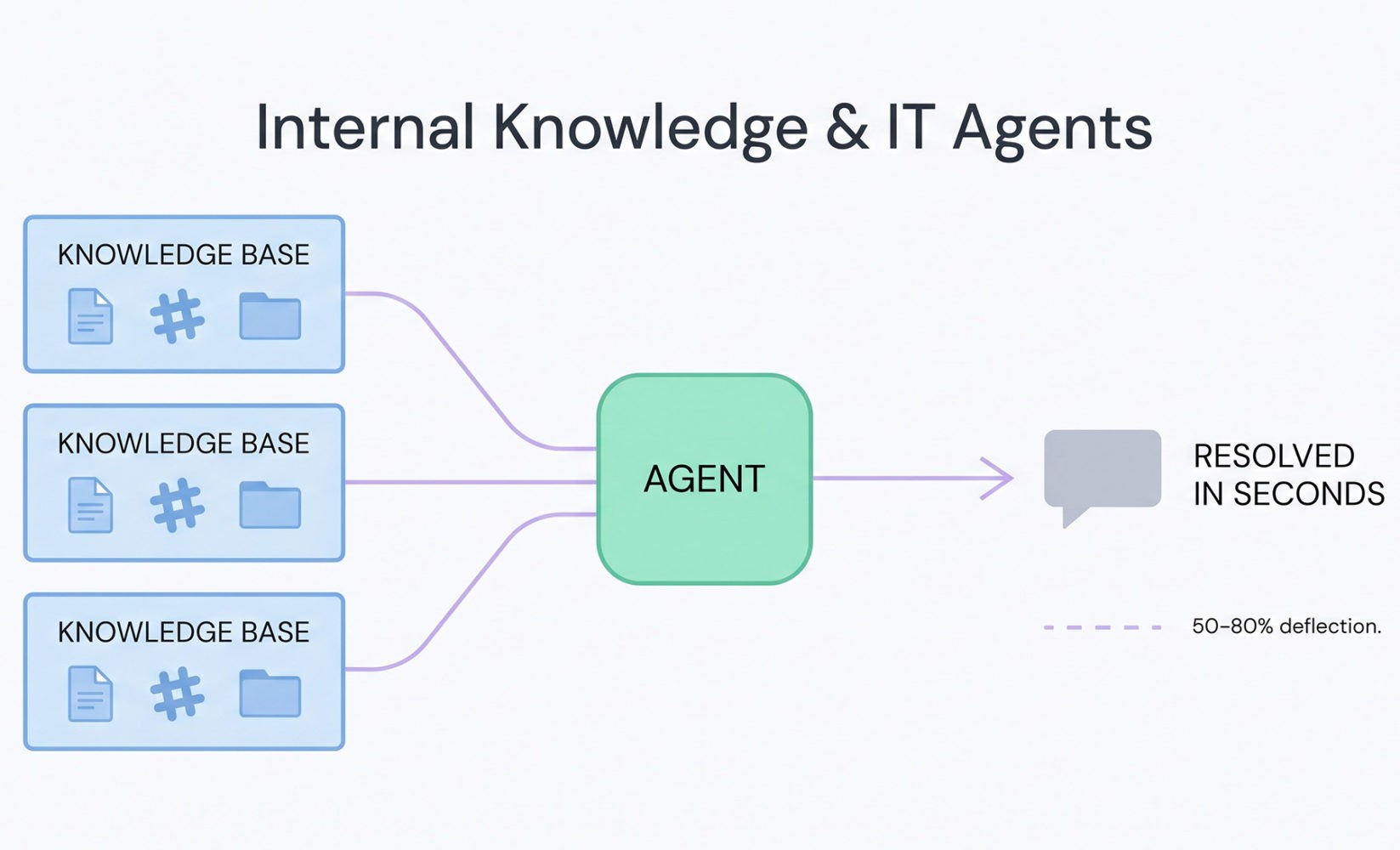
5. Internal knowledge and IT agents: the dark horse category
This is where I’d argue the highest ROI sits right now, and almost nobody is talking about it. Glean, Dust, and Console are deploying agents that sit on top of your existing knowledge bases (Notion, Confluence, Drive, Slack) and actually resolve internal questions — IT tickets, HR queries, “where’s the deck from the Q3 review.”
Console publishes specific customer numbers worth quoting: Scale AI moved from 15% ticket automation with a previous vendor to 57% on Console within two months; Webflow reports 75% automation coverage across IT and People Ops. Treat vendor-published figures with appropriate caution, but the order of magnitude is consistent across the category. That kind of deflection on internal workload is almost invisible from the outside, but it’s the difference between hiring another IT person or not.
The honest cost picture
This is where most articles get vague. Here’s what you should actually budget for a ten-person team in 2026:
- Coding agents: $3,000–6,000/year, depending on stack. Cursor and Copilot at the low end, Devin pushing the top.
- Workflow agents: $20–100/month for the platform, plus usage credits. Lindy’s credit-based model and Copilot Studio’s per-seat model can both surprise you if you don’t model the volume.
- Customer-facing agents: Highly variable. Sierra and Intercom Fin are typically priced on resolution volume; expect $1,000–$10,000+/month depending on ticket flow.
- Internal knowledge agents: Glean and Dust sit in the $20–40 per user per month range. Often the most defensible spend.
Research and Markets projects the AI agents market will grow from roughly $12 billion in 2026 to over $53 billion by 2030 [source: Research and Markets]. That kind of growth attracts every vendor with an API and a landing page. Your job is to ignore the noise.
What actually causes agent projects to fail
Gartner’s failure analysis is worth taking seriously because the four reasons projects get cancelled are boring and avoidable:
- Overpromising capabilities before testing.
- Insufficient human oversight in critical decisions.
- Poor data quality feeding the agent.
- Weak change management — the agent works, the team doesn’t use it.
Notice what’s not on the list: choosing the wrong vendor. The vendor matters far less than whether you’ve scoped a real, measurable workflow and given the agent clean inputs. A mediocre agent on a well-defined task beats a brilliant agent on a vague one, every time.
A practical playbook for the next 90 days
If you’re a team lead trying to make a move this quarter, skip the vendor comparison spreadsheets. Do this instead:
Week 1. Pick the single workflow that costs your team the most time. Not the most strategic — the most time. Boring beats glamorous here.
Weeks 2–3. Pick one tool from the relevant category above. Run it on that workflow only. Don’t try to automate three things at once.
Weeks 4–8. Measure two numbers: hours saved per week, and the error rate of the agent’s output. If hours saved are positive and errors are catchable in review, you have a real deployment.
Weeks 9–12. Expand to a second workflow only after the first one is genuinely working. Most failed agent rollouts are teams trying to do five things at once and getting none of them across the line.
The contrarian bet
Here’s the thing the analyst reports won’t tell you. The teams getting the most out of agents in 2026 aren’t the ones with the biggest licences or the deepest integrations. They’re the ones treating agents like a contracted specialist: clear specs, narrow scope, regular reviews, and a willingness to swap them out when they’re not working.
The technology has matured enough that the bottleneck is no longer the model. It’s the workflow design around the model. The teams that figure this out in 2026 will be sitting on a structural advantage by 2027. The ones still arguing about which vendor to standardise on will be the 40% Gartner is predicting.
Pick one boring problem. Pick one tool. Measure. Expand. That’s the whole playbook.
About the author:
Anton Gora is a technology specialist focused on AI and software development. He leads technical strategy and implementation, with an emphasis on building intelligent, scalable systems. His work spans applied AI, system architecture, and product development, enabling the integration of advanced technologies into practical, user-focused solutions.