




In March 2026, Atlassian cut roughly 1,600 jobs, about 10% of its workforce, and told investors the savings would fund a pivot to AI. Two weeks later, Linear’s CEO declared that issue tracking was dead. Both companies build what most people still file under ”project management software.” Neither seems to think that category exists anymore.
They have a point. The tools kept their names. Asana is still Asana. The product underneath has changed. A Kanban board, the thing that defined this category for fifteen years, is now the least interesting feature in any of these platforms. What you’re actually buying in 2026 is closer to an operating system for how your team works: the place where tasks, documents, and conversations converge, and increasingly the place where AI agents do a chunk of the work without being asked twice.
That raises the stakes on a decision most teams still treat casually. Picking the wrong work platform now is less like choosing between two to-do apps and more like choosing the wrong OS for your company. This article covers what changed, what each major player actually is today, who each one fits, and how to choose without getting sold.
I’ve spent the last several years coordinating distributed, cross-functional teams, and what follows isn’t a feature roundup pulled from vendor pages. It’s how I’d think through the choice today, having watched the same teams outgrow tools, run two in parallel, and occasionally consolidate back down once they understood their own workflows.
What Changed: From Recording Work to Running It
Three forces converged over the past eighteen months, and together they retired the old ”tool comparison” framing.
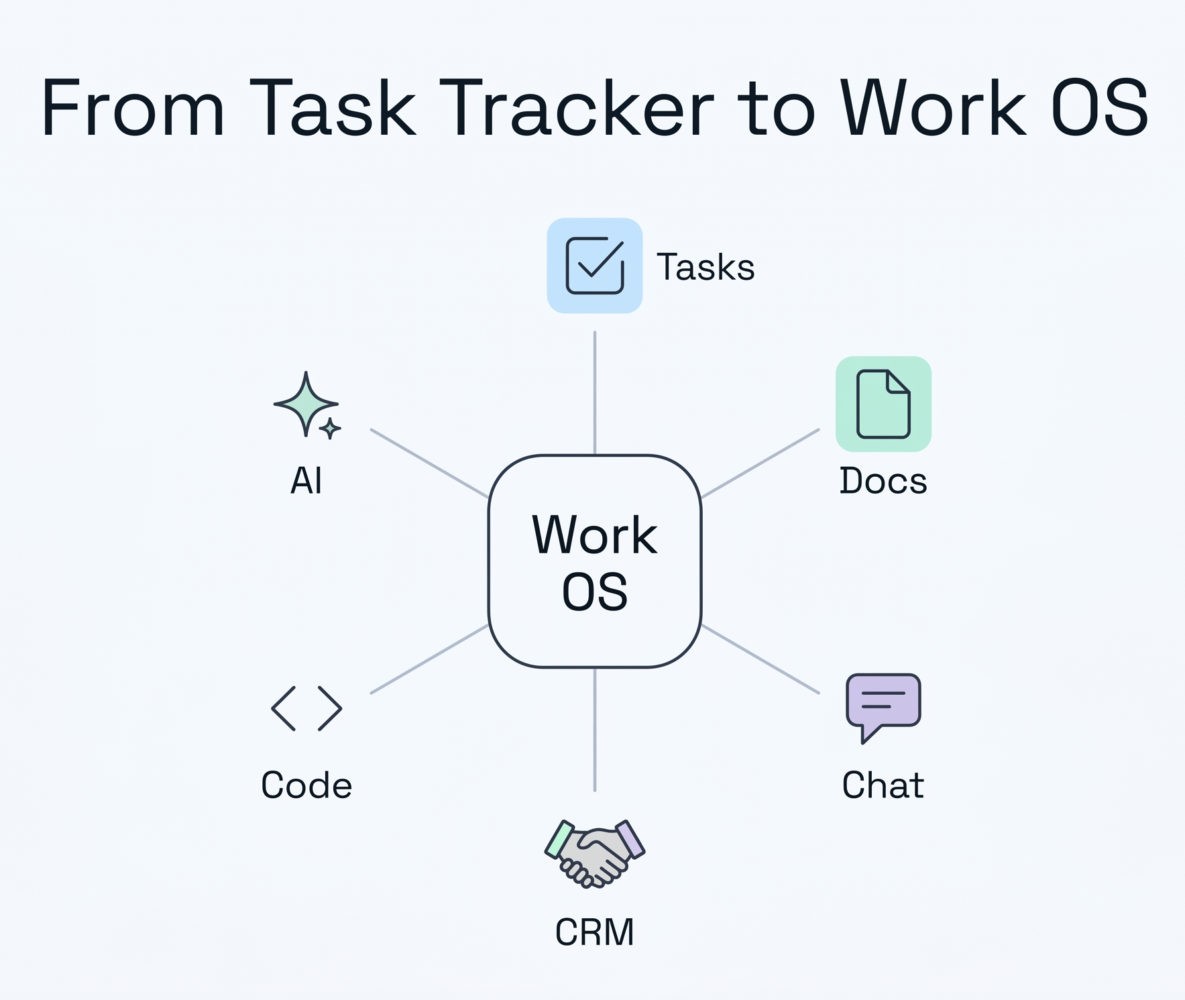
First, AI moved out of the sidebar and into the work itself. Asana’s 2026 release introduced what it calls AI Teammates: prebuilt agents like a Campaign Brief Writer that turns scattered notes into a structured brief, and a Workflow Optimizer that audits where work sits idle and builds the automation to fix it. These aren’t a chatbot bolted onto the corner of the screen. They live inside the project and can be assigned tasks like a new hire.
Second, the platforms expanded sideways into categories they used to leave alone. Monday.com now runs four separate products on one engine (work management, CRM, dev, and service) and in 2026 rebranded the whole thing an ”AI Work Platform” with agents built natively into the product. Its CRM has grown into a nine-figure business in its own right. If you want one vendor for project tracking, sales, support, and engineering, Monday is the only major player that built all four as real products rather than integrations.
Third, ”passive tracking” became a liability rather than a baseline. The status update you used to write by hand is now something the tool drafts for you. The teams getting the most from these platforms have stopped treating them as a place to record what happened and started treating them as a place where the next step gets triggered.
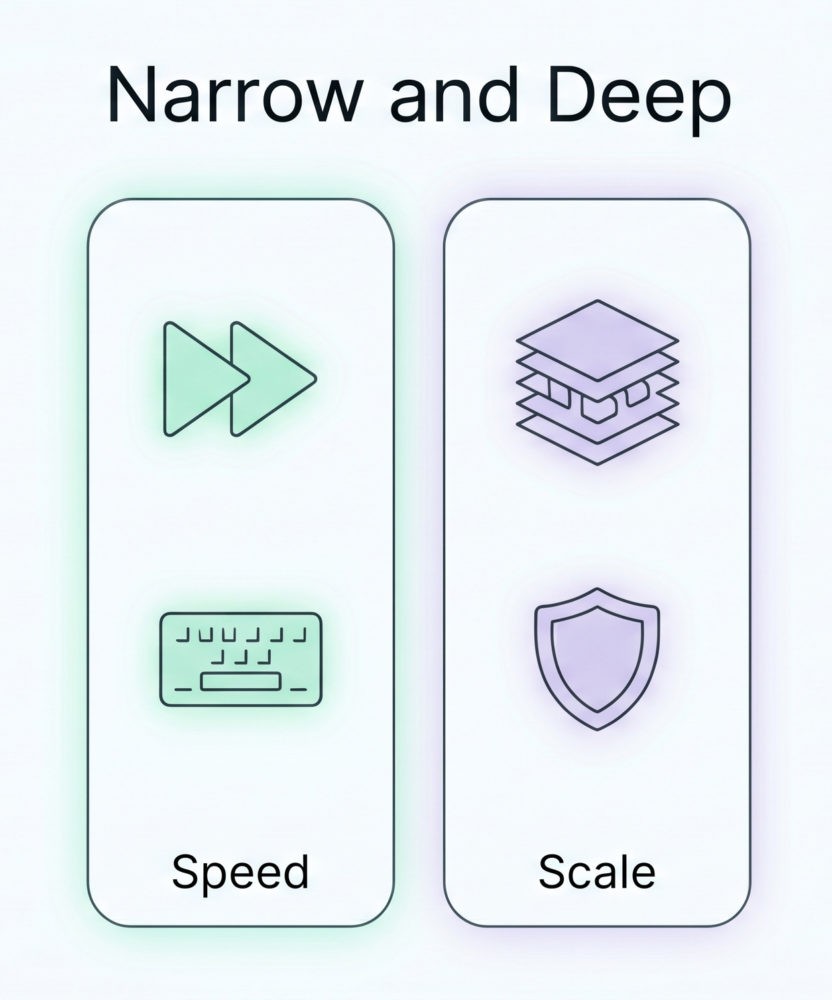
The practical upshot is that every tool in this market has picked a side. Either it’s trying to become the nervous system for your entire company, or it’s gone narrow and deep on one kind of work. Both are defensible strategies. You just need to know which one you’re buying before you sign.
The Big Four: What Each One Actually Is Now
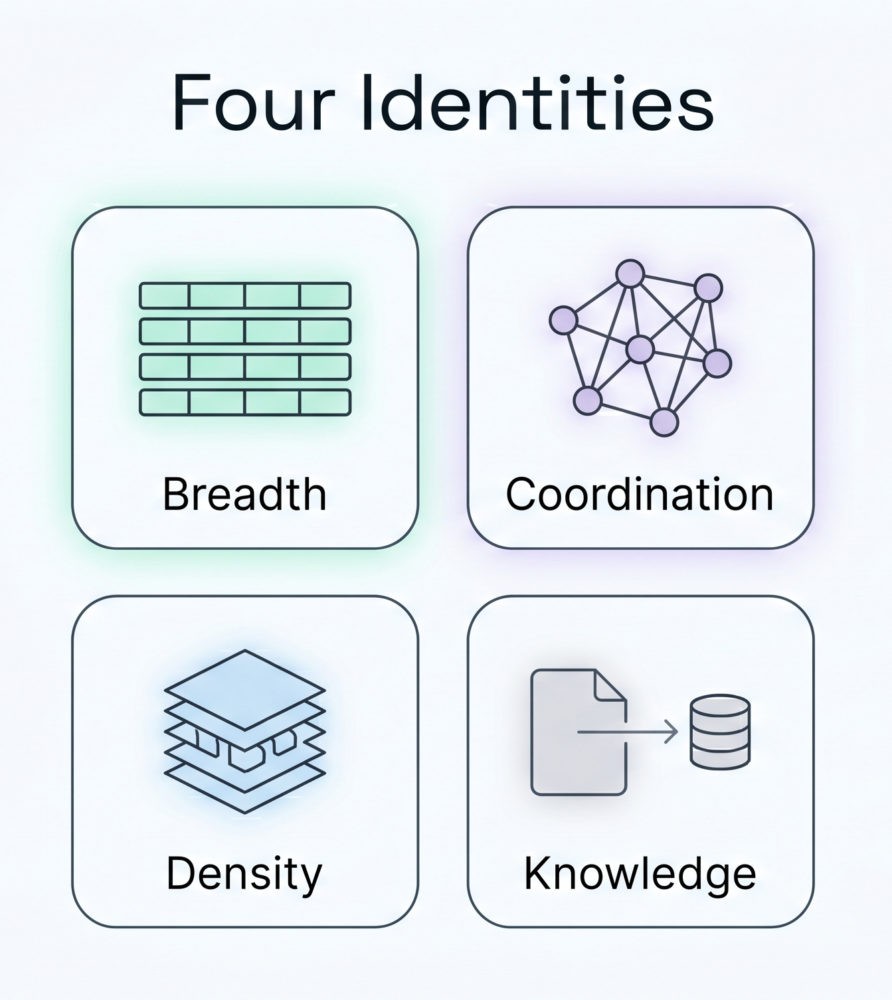
Forget the feature matrices. The useful question in 2026 is identity. What does each of these platforms think it is?
Monday.com: the work OS that means it
Monday is the most horizontally ambitious platform in the category. Beyond the four product lines, its AI layer now includes AI Blocks, an AI Notetaker, a ”vibe” app builder that turns a plain-language description into a working internal tool, and one-click connections to Claude, ChatGPT, and Microsoft 365 Copilot. If your goal is to run most of your company in one place, few platforms match its breadth.
The cost of that ambition is real. Monday takes the longest to set up well, and pricing climbs quickly as you add seats and AI usage. It rewards teams willing to invest in configuration and frustrates teams that want something usable on day one.
Asana: structured workflows with an AI bench
Asana’s bet is coordination. Its 2026 release shipped 21 prebuilt AI Teammates across marketing, IT, and operations, plus AI Studio, a no-code builder for custom automations. The distinction that matters: most AI assistants are single-player, a private conversation between one person and a model. Asana’s agents are shared. They sit in the project where the whole team can see what they did and why.
That makes Asana strongest for cross-functional teams with repeatable processes who want to cut coordination overhead without ripping out their stack. It’s less compelling if your work is ad hoc and your processes change every week.
ClickUp: the everything app, now with agents
ClickUp 4.0 landed in December 2025 and retired version 3.0 in March 2026. The release converged chat, tasks, docs, and AI into one navigation layer and added Super Agents: AI coworkers you can @mention and assign work to. ClickUp’s AI advantage is context. It knows your sprint velocity and your due dates because it runs in the same product that tracks them.
One tradeoff hasn’t changed in years. Feature density is staggering, and so is the learning curve. The platform can feel heavy, and getting value out of it takes deliberate setup. It fits teams that want maximum customization and have the patience to tame it.
Notion: the knowledge layer that learned project management
Notion came at this from the opposite direction. It was a documents and wiki tool that added project features, not a tracker that added docs, and it still shows. Its 2026 AI reaches outside Notion through Enterprise Search across connected apps like Slack, Google Drive, and GitHub, plus Custom Agents that run on a schedule or a trigger. That makes it excellent for writing, research, and cross-tool questions.
It works beautifully for teams of roughly 5 to 50. Past that, the thinner permissions model and compliance gaps start to bite, which is why larger organizations often keep Notion for documentation and run Linear or Jira for the actual task tracking.
The Specialists Worth Knowing
Not every team should buy a platform that tries to do everything. Two tools win by refusing to.
Linear: built for people who ship software
Linear uses AI quietly. Its Triage Intelligence reads incoming bug reports and feature requests, infers severity, and routes them to the right cycle, learning from how your team has triaged before. It connects to Cursor, Claude, and ChatGPT and supports the Model Context Protocol, so an AI coding assistant can update project state from inside the editor. Speed and keyboard-first design make it the default for product and engineering teams under a couple hundred people. The tradeoff is deliberate: Linear has no interest in serving marketing or operations, and it won’t pretend otherwise.
Jira: still the enterprise dev standard
Jira remains the heavyweight for large-scale agile development, with Atlassian’s Rovo AI now built into Jira and Confluence and, by the company’s own reporting, past five million monthly active users. For big engineering organizations with audit and compliance requirements, it’s hard to dislodge. The complaint is the same one teams have had for a decade: it’s painful to configure and far too much for anything outside software. Worth noting that Atlassian’s own March 2026 restructuring, cutting 1,600 roles to fund its AI push, shows how hard even the incumbent is working to stay relevant.
The Ecosystem Giants Already in Your Stack
Here’s the uncomfortable part for everyone selling a work OS: the most credible candidates for that title might not be project management tools at all. A real operating system needs your email, your chat, your documents, and your meetings. Microsoft and Google already own that layer, and in 2026 both are pulling project management into it.
Microsoft has spent two years consolidating Project, Planner, and To Do into one Planner experience and is aiming it squarely at Asana, Monday, and Smartsheet. Its Planner Agent, gated behind a Microsoft 365 Copilot license, now writes status reports and can be assigned tasks to complete on its own. Microsoft isn’t trying to out-feature ClickUp. It’s betting that teams already living in Teams and Outlook will take the good-enough option that’s bundled in and one click away. Google runs the same play: Workspace’s Gemini generates project plans and task lists, drafts status updates from meeting transcripts, and schedules work using historical data, all inside Gmail, Docs, and Meet.
The strategic point for a team lead: if you already pay for Microsoft 365 or Google Workspace, you may already own a serviceable work OS without buying anything else. The dedicated platforms win on depth and flexibility; the ecosystem giants win on gravity, because the data and the people are already there. For plenty of teams, “good enough and already paid for” beats “best in class and another subscription.”
One more signal worth watching from the edges: a class of AI-native tools was built around active management rather than tracking. Motion is the clearest example. It doesn’t wait for anyone to update a board; it reads tasks, deadlines, and team capacity and autonomously builds and reschedules everyone’s calendar, recalculating the plan whenever priorities shift. That’s the direction the whole category is heading, from a place you tell what happened toward a system that decides what happens next.
Which One Is Actually Right for You
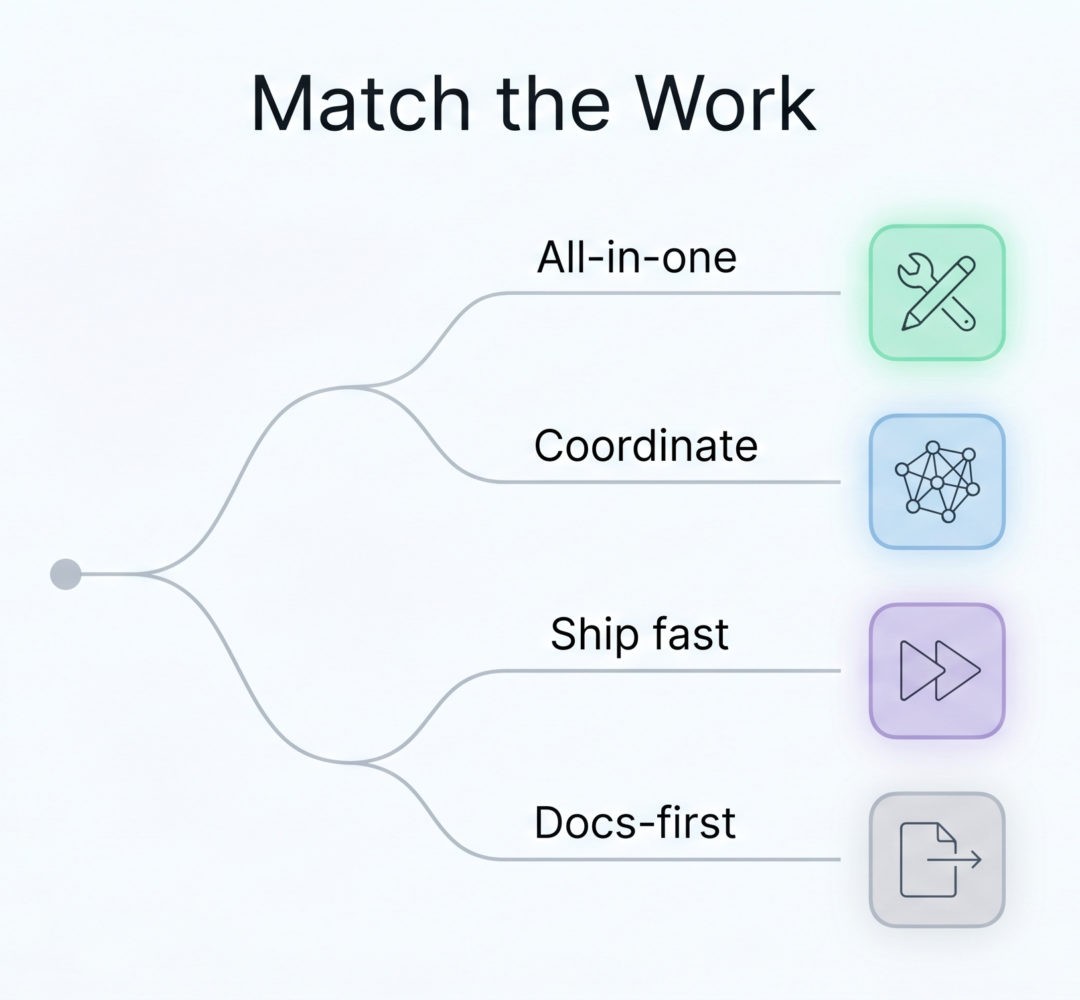
Skip the generic comparison grid. Match your situation to a tool.
| Your situation | Best fit |
|---|---|
| You want one platform for PM, CRM, and service | Monday.com |
| Cross-functional team, repeatable processes, want AI to cut coordination | Asana |
| Engineering or product team, speed matters, no legacy baggage | Linear |
| Maximum customization, willing to invest in setup | ClickUp |
| Docs-first team, lightweight project tracking | Notion |
| Large enterprise, complex agile dev, heavy compliance | Jira |
| Already standardized on Microsoft 365 or Google Workspace, modest PM needs | Microsoft Planner / Google Workspace |
| You want AI to actively schedule and reprioritize the work itself | Motion |
Then there’s the question nobody likes to ask out loud: what if the right answer is two tools? Plenty of mature teams run Notion for docs and Linear for engineering, or Asana for delivery and Notion for knowledge. A 25-person product startup might run happily on Notion and Linear for years; a 2,000-person organization with audit trails and access reviews usually needs the governance Jira or Monday provides, whatever the smaller team’s setup looks like. Running two tools isn’t a failure of discipline. It’s often the correct architecture, because no single platform is best at both deep documentation and deep task management. The actual mistake is forcing everything into one tool before you’ve defined the workflows you’re trying to support. Consolidation is a reward for knowing how you work, not a shortcut to figuring it out.
What a Work OS Actually Costs
The sticker price is almost never the real price. Three things inflate it: AI features billed separately, often as credits that scale with usage; per-seat costs that compound as you grow; and the unbudgeted hours of migration and retraining.
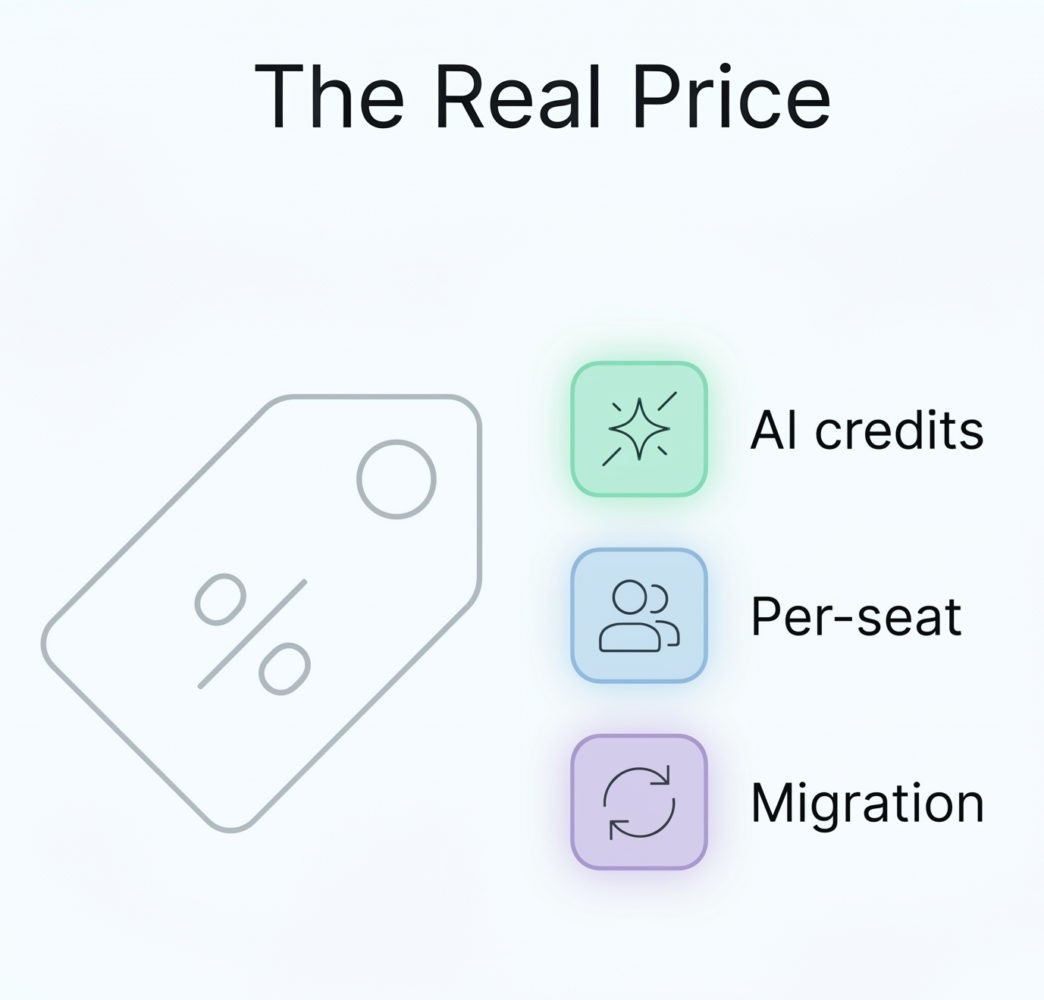
A concrete example. ClickUp’s Business tier lists around $12 per user per month on an annual plan, and Notion’s Business tier sits near $20. At face value, ClickUp runs 30 to 40 percent cheaper at equivalent tiers. But the comparison flips once AI enters the picture. Notion bundles its AI into the Business plan, while ClickUp’s Brain is a separate add-on at roughly $5 to $9 per user per month on top of the base price. Add that in and the gap narrows sharply.
The lesson holds across every vendor here: the lowest per-seat price is rarely the lowest total cost to run. Price the AI, the scaling, and the switching time, then compare. The figures above reflect publicly listed annual rates at the time of writing; confirm current numbers on each vendor’s official pricing page before you commit, since these tiers change often.
What the AI Actually Does Well
The AI features are genuinely useful, mostly for one job: killing administrative overhead. Drafting status updates, summarizing long threads, turning meeting notes into tasks, building templates. That’s where they earn their keep today. They are far weaker as decision-makers, and anyone selling them as such is overselling.
There’s also a precondition the demos skip. These agents are only as good as the data underneath them. A team with defined workflows, current task data, and consistent adoption gets sharp, useful output. A team that uses the tool sporadically gets confident nonsense, because the agent is reasoning over a half-empty workspace. AI is a multiplier on good operating habits, not a substitute for them. If the fundamentals don’t fit, the AI won’t rescue the purchase.
What This Means for How Your Team Works
Step back from the vendor logos and the payoff is about team behavior, not software. When updates draft themselves, the standing status meeting starts to look optional, because the information everyone showed up to share is already in the project. When tasks, docs, and discussion live in one place instead of scattered across five tabs, people lose fewer hours to context-switching and the hunt for ”where was that decided?” And when an AI agent leaves its reasoning in the project rather than in someone’s private chat, a distributed team gains the kind of asynchronous visibility that used to require a meeting in a shared timezone.
None of that is automatic. A tool can enable fewer meetings and cleaner handoffs; it can’t force them. The teams that see these gains are the ones that decide, deliberately, to move the work into the platform and keep it current, then prune the rituals the platform makes redundant. The software is the lever. Your operating habits are still the hand on it.
The Only Question That Matters
The temptation in 2026 is to chase the longest feature list and the flashiest agent demo. Resist it. The platform that wins for your team is the one that reduces friction for the specific work you actually do, and the one your team will open every day without being nagged into it.
So narrow the decision to a single question before you compare anything else: which of these will my team use consistently? Answer that honestly and the shortlist gets short fast. A cheap way to find out before you sign anything: map your current workflow on paper, pilot the top one or two contenders with a single team for a few weeks, and watch adoption rather than features. The tool people actually keep open is the one that fits. Pick that, get your data and workflows clean, then let the AI features prove their worth.
If you’re rethinking how your team coordinates its work, that’s a problem worth solving deliberately rather than by default.
About the author:
Ann Wisniewska is a project management professional with a strong background in collaboration and cross-functional coordination. She focuses on aligning teams, optimizing workflows, and ensuring efficient delivery of complex initiatives. Her experience spans managing distributed teams and fostering productive partnerships that drive projects from concept to completion.