



Monday morning, 9:12 AM. A sprint is slipping. A stakeholder wants a status update. There are 47 unread Slack messages on a thread where a decision may or may not have been made. The problem is not a lack of tools. The problem is that most setups still expect the project manager to manually connect everything: conversations, decisions, tasks, and context.
The tools that stand out in 2026 do not just track work. They interpret it, connect it, and act on it. That shift, toward AI agents and tightly integrated systems, is what actually changes how teams operate. In distributed teams I have worked with, the bottleneck is rarely the tool itself. It is whether decisions get captured anywhere beyond Slack, and whether anyone can find them again two weeks later.
Below are five tools (and the workflows around them) worth using today, based on how teams are actually working now.
A quick comparison
| Tool | Best for | Where it shines | AI maturity |
|---|---|---|---|
| Notion | Knowledge and decisions | Docs, databases, internal search | High (agents + Q&A) |
| Linear | Execution (product/eng) | Speed, prioritization | High (Linear Agent) |
| Slack | Communication layer | Real-time coordination | Medium to High (AI + agents) |
| ClickUp | Cross-functional PM | Flexibility, reporting | Medium to High |
| Perplexity / ChatGPT / Claude | Research and thinking | Fast synthesis, decision support | High |
1. Notion (AI + Q&A + Agents): Where decisions actually live
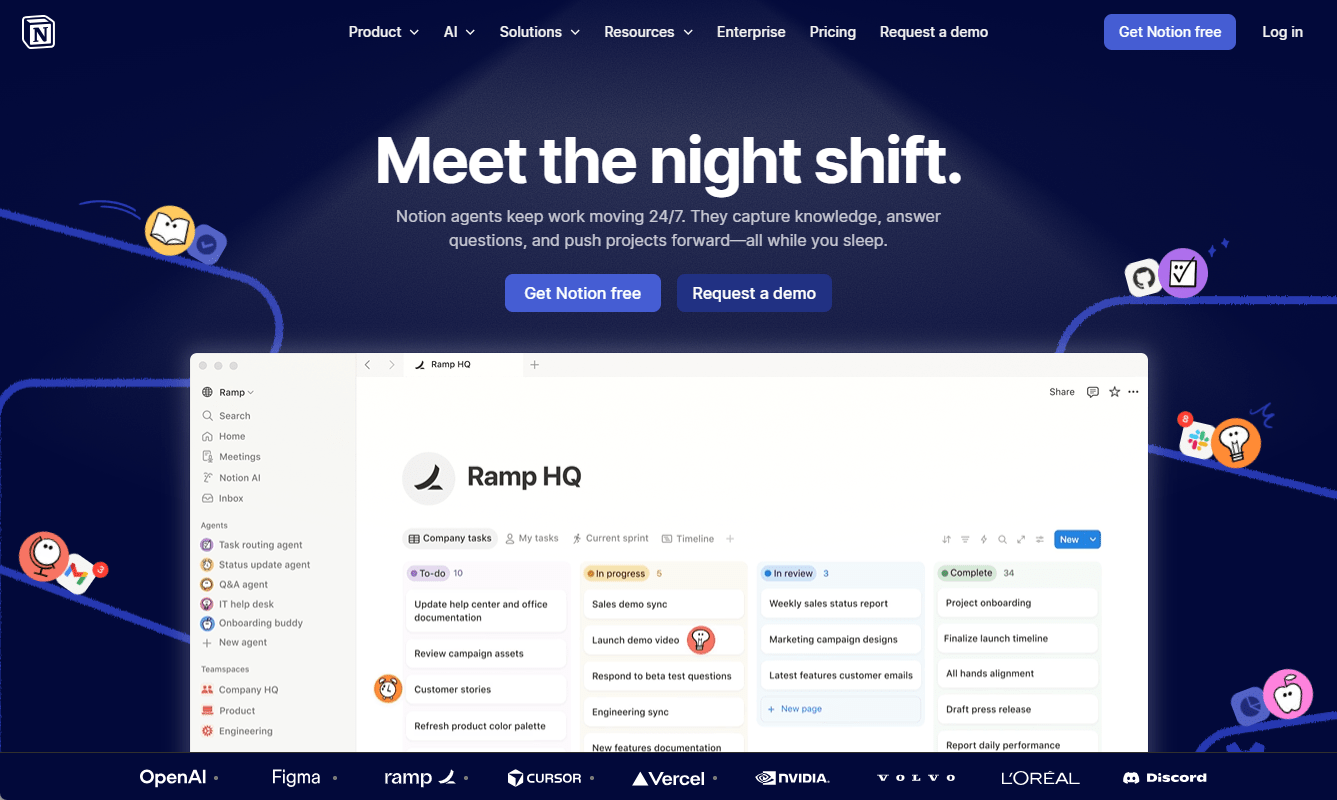
Most teams say they have a “source of truth.” In practice, it is fragmented across docs, Slack, and people’s heads.
Notion’s current strength is not note-taking. It is linking decisions to context and making them retrievable.
What changed recently
- AI can answer questions across an entire workspace, not just summarize single pages
- Agents can generate updates, draft specs, and extract decisions
- Notion Calendar ties timelines back to actual work artifacts
A workflow that holds up under pressure
After a project meeting:
- Drop raw notes (or a transcript) into Notion
- Use AI to extract decisions, risks, and action items
- Link those outputs directly to a project database
The key difference is that you are no longer writing updates. You are validating AI-generated structure.
Where it works well (and where it does not)
- Works well: async teams, documentation-heavy environments
- Breaks down: when teams still default to Slack for decisions and never formalize them
Why it matters
Knowledge fragmentation is still one of the biggest hidden costs in teams. A Glean / Harris Poll survey found that employees spend at least two hours a day, roughly 25% of their work week, looking for documents, information, or people they need to do their jobs. McKinsey’s earlier work in The Social Economy puts the figure even higher.
This is the kind of friction that compounds quietly. It is also why the “source of truth” question matters more than which note-taking app you use. (For the longer argument, see Why Productivity Is a System Problem, Not an Individual Problem.)
Practical move this week
Create a “Decisions” database with four fields:
- Decision
- Owner
- Date
- Linked project
Then require that every meeting produces at least one entry. Adoption matters more than structure.
2. Linear (with Linear Agent): Fast execution, less noise
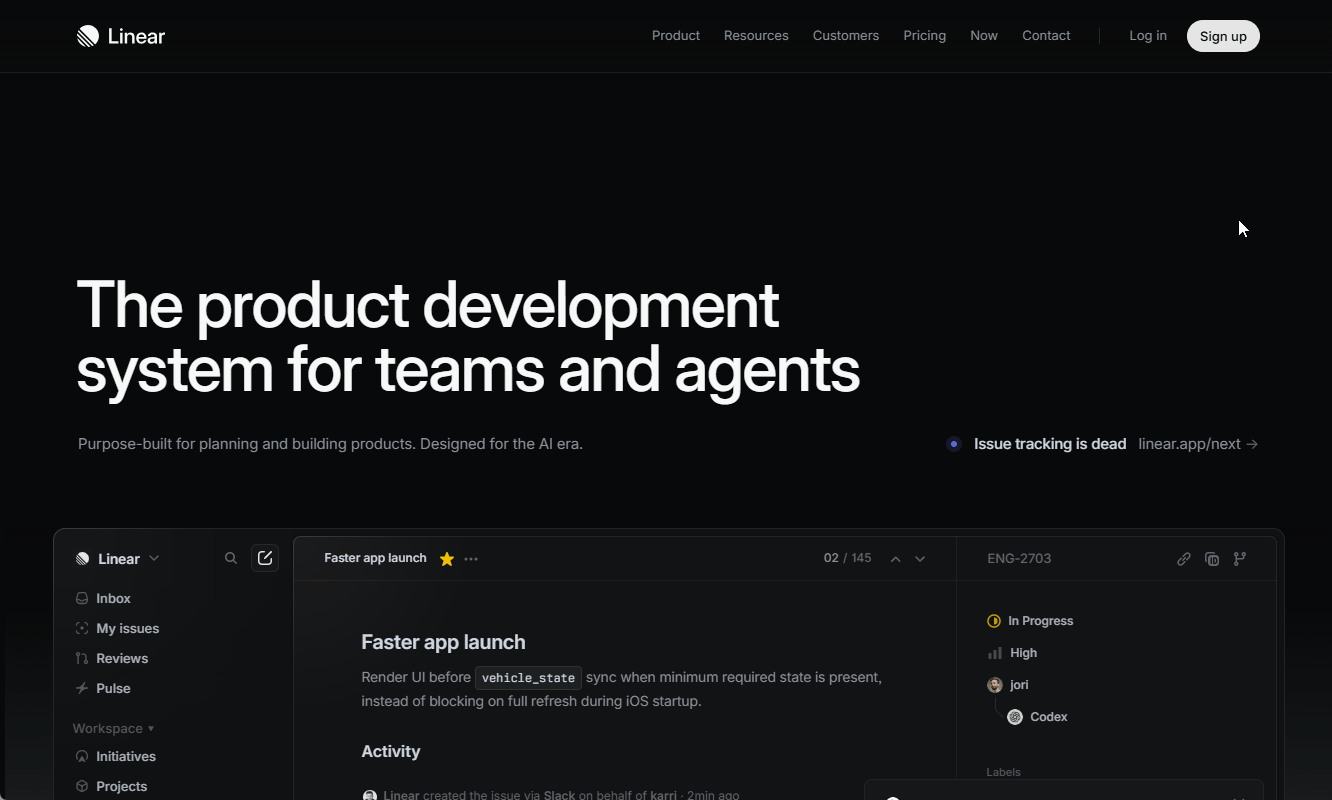
Linear’s appeal is simple. It removes friction from execution. No bloated workflows, no unnecessary fields.
What is new in 2026 is Linear Agent, an AI teammate that lives inside the issue tracker.
What it actually does
- Summarizes progress across issues
- Suggests priorities based on activity
- Helps triage and route work automatically
A realistic workflow
- Strategy lives in Notion
- Execution lives in Linear
- Linear Agent summarizes cycle progress and flags risks
Instead of checking 30 tickets, you review one synthesized update.
Where it works well (and where it does not)
- Works well: product and engineering teams that value speed
- Less ideal: highly process-heavy organizations that require rigid workflows
Why it matters
Switching between tasks carries a real cost. The American Psychological Association finds that multitasking introduces measurable “switching costs” that reduce efficiency, with chronic context switching consuming up to 40% of productive time. Linear reduces that by keeping the system simple, and now, by summarizing it for you.
Practical move this week
Limit each cycle to three to five real priorities. Then use Linear Agent’s summaries instead of manual status reporting. If your team still writes long weekly updates, this is low-hanging time savings.
3. Slack (with AI + agents): From chat to coordination layer
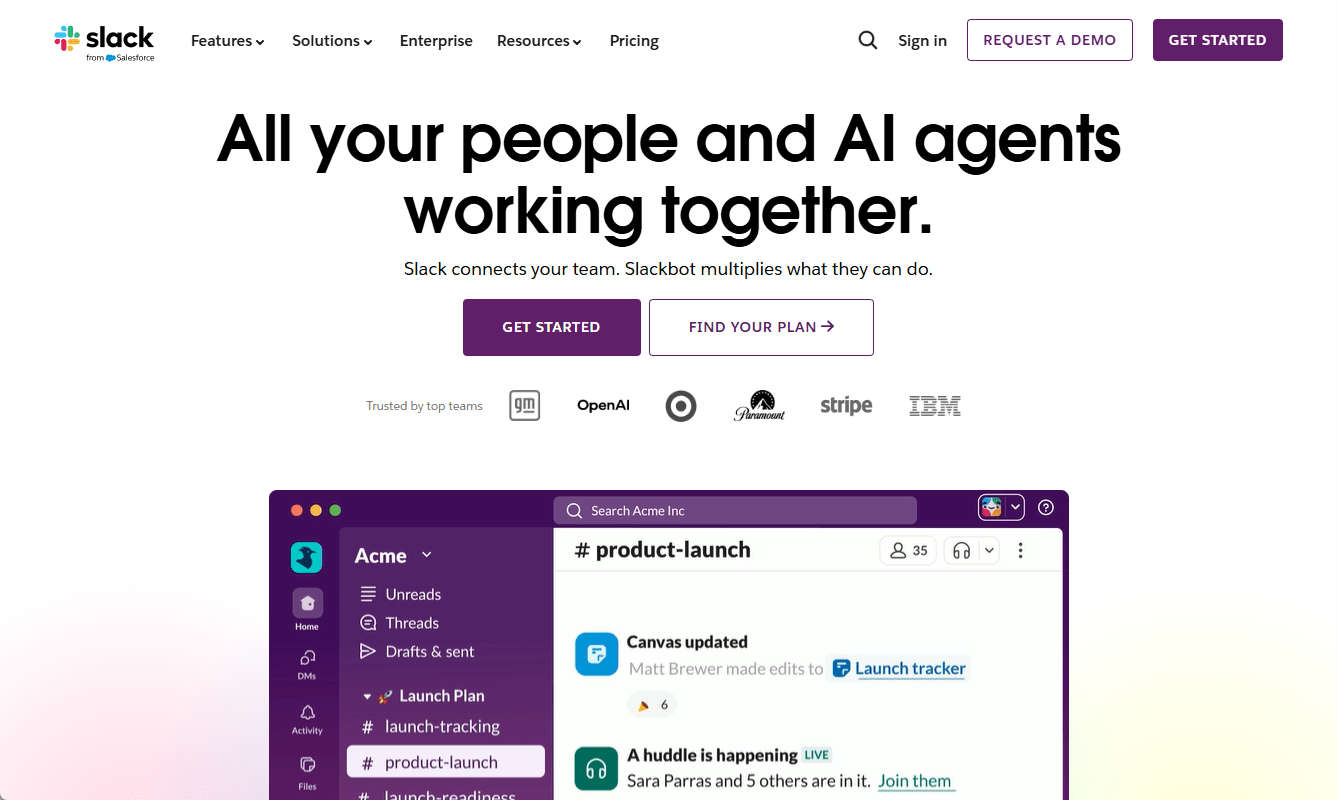
Slack used to be where decisions got lost. Now it is becoming where they get captured and acted on.
What changed
- Built-in AI summaries for threads and channels
- Agents that can extract tasks and trigger workflows
- Deeper integrations, including MCP-based connections across tools
A workflow that reduces meetings
- Treat each project channel as a working room
- Use AI to generate daily summaries and weekly digests
- Convert key messages into tasks automatically (Linear, ClickUp)
Where it works well (and where it does not)
- Works well: cross-functional teams that rely on fast communication
- Breaks down: when channels are unstructured or overloaded
Why it matters
According to Asana’s Anatomy of Work Index, employees spend about 60% of their time on “work about work,” which includes status updates, searching for information, switching between apps, and coordination overhead. Slack AI helps reduce that, but only if you let it replace manual reporting rather than adding to it.
There is also a deeper distinction worth flagging. More communication does not mean more coordination. (I wrote about this in The Difference Between Communication and Coordination.) Slack handles the first. Only a system with capture and follow-through handles the second.
Practical move this week
Pick one active project channel and:
- Enable AI summaries
- Replace your weekly status meeting with a generated digest
Measure what happens. Most teams do not go back.
4. ClickUp (AI-enabled): When you need one system for everything
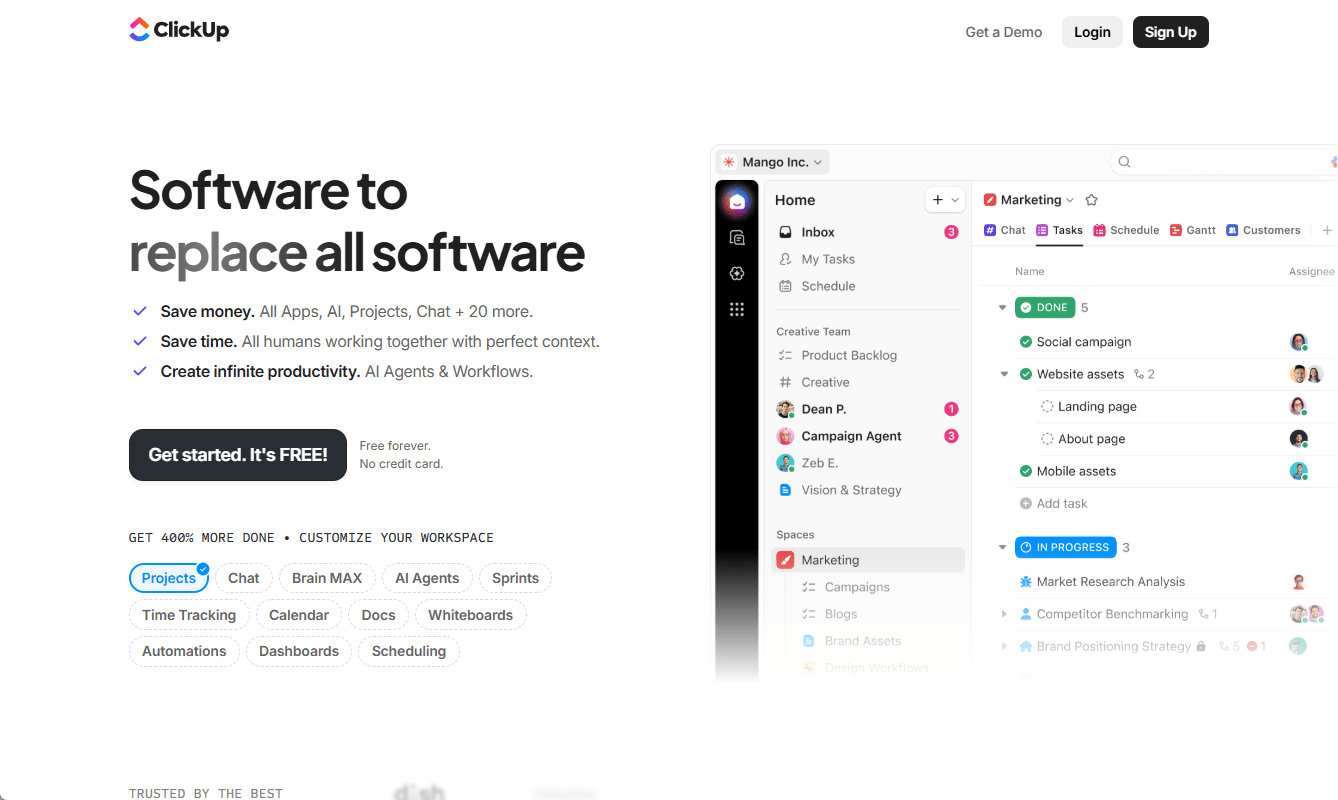
ClickUp is still the most flexible tool on this list. That is both its advantage and its risk.
Used well, it replaces multiple tools. Used poorly, it becomes the system everyone works around.
Where it fits
- Marketing, operations, and cross-functional teams
- Projects with dependencies, approvals, and reporting needs
A workflow that avoids complexity creep
- Keep hierarchy simple: tasks, lists, spaces
- Use AI to draft task descriptions and summarize updates
- Build dashboards only for decisions, not for visibility for its own sake
Where it works well (and where it does not)
- Works well: teams that need flexibility across functions
- Breaks down: when every team customizes it differently
Why it matters
Organizations with mature project management practices see meaningfully better outcomes. PMI’s 2017 Pulse of the Profession found that organizations with an enterprise-wide PMO highly aligned with strategy delivered 38% more projects meeting their original goals than those without.
Tools like ClickUp can support that maturity, but only if they stay usable. Workflows have a way of breaking under their own weight as teams grow. (Why Workflows Break as Teams Grow covers what to do about it.)
Practical move this week
Audit your workspace:
- Remove unused custom fields
- Archive outdated lists
- Simplify views
If onboarding a new team member takes more than 30 minutes, the system is too complex.
5. Perplexity, ChatGPT, and Claude: Faster research, better decisions
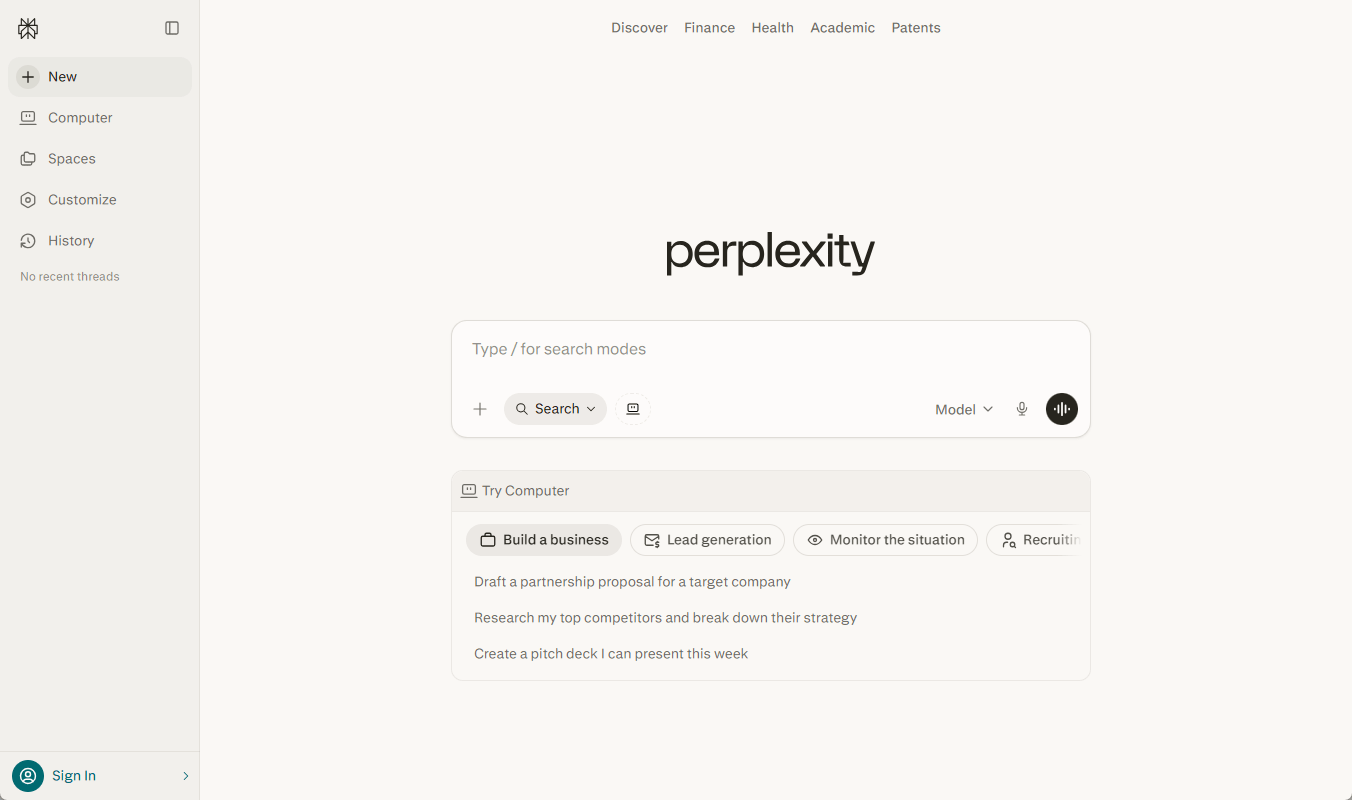
Search is no longer just about finding links. It is about getting structured answers quickly and stress-testing them.
Project managers now rely on a mix of:
- Perplexity for fast, cited answers
- ChatGPT for structured reasoning and planning
- Claude for long-context analysis and nuanced trade-offs
A practical workflow
When evaluating a vendor or a strategy:
- Use Perplexity to gather cited facts
- Use ChatGPT to compare options and outline trade-offs
- Use Claude to review long documents or contracts
You move from fragmented research to iterative decision-making.
Where it works well (and where it does not)
- Works well: early-stage planning, vendor selection, risk analysis
- Breaks down: when outputs are not validated or challenged
Why it matters
Research and synthesis are still time-heavy. AI reduces that time, and more importantly, it broadens the set of options you consider before committing to one.
Practical move this week
For your next decision, ask the AI two questions:
- “What am I missing?”
- “What would an experienced PM push back on?”
The quality of your prompts shapes the quality of your decisions.
What actually changed in 2026: agents and MCP
Two shifts make the rest of this more than incremental improvement.
1. AI agents are starting to act, not just respond
Instead of summarizing work, tools now create tasks, update statuses, and flag risks automatically. This reduces the manual glue work that used to define project management.
2. MCP (Model Context Protocol) connects tools more cleanly
Rather than brittle integrations, MCP allows AI systems to access context across tools and act within them. The practical effect is less copying, fewer gaps, and more continuity between systems.
A setup that works in practice
A clean, effective stack today looks like this:
- Notion for decisions, documentation, and context
- Linear or ClickUp for execution
- Slack for communication
- AI tools for research and synthesis
Each tool has a clear role. Overlap is minimized.
What to do next
Do not try to overhaul everything.
Pick one active project and:
- Define where decisions live (Notion or equivalent)
- Ensure tasks are generated automatically from discussions
- Replace one recurring status meeting with AI summaries
Then observe:
- Are decisions clearer?
- Is less time spent chasing updates?
- Are priorities easier to see?
If the answer is yes, expand from there.
The real advantage in 2026 is not having better tools. It is building a system where less coordination is required to get the same outcomes, or better ones.
⸻ Author Bio ⸻
Ann Wisniewska is a project management professional with a strong background in collaboration and cross-functional coordination. She focuses on aligning teams, optimizing workflows, and ensuring efficient delivery of complex initiatives. Her experience spans managing distributed teams and fostering productive partnerships that drive projects from concept to completion.