




What a team like this actually needs from an analysis tool:
- One workspace instead of five separate subscriptions to reconcile
- Competitor and AI-answer visibility in the same place, not two more logins
- On-page analysis a non-specialist can read and act on
- Reporting an executive will actually open and finish
- Data that plugs into the GA4, GSC, and Looker stack they already run
- Predictable cost that survives a budget review
- Fast triage when something breaks and everyone’s asking why
To choose, we mapped each tool against those needs and the three jobs below — the ones a small in-house team keeps returning to — then shortlisted six a team this size can actually operate.
Job 1: Diagnosing a traffic dip when AI answers take the click
Here’s what makes this one hard to catch: the chart drops, but the rankings look fine, so nothing in the old playbook explains it. Organic fell in 13 of 17 industries, steepest in healthcare and banking, and the click often ends inside an AI answer where 77% of AI users still cross-check with a traditional search before deciding. So check the layers in order: start with Google Search Console, the first-party, truest read on which queries lost clicks while holding position, then move to competitor AI-answer visibility in a platform like SE Ranking to see whether a rival is now being cited in the answer that used to send you the visit.
Job 2: Proving SEO’s worth to a CFO who keeps asking about AI
The CFO’s question is rarely hostile. It’s just blunt: if AI is eating search, why are we funding it? The honest answer is a number, and the number is good. Across 15 years and 124 clients, First Page Sage found SEO converts at roughly 2.4% versus 1.3% for PPC across industries — close to double, and wider still in financial services. That’s the story worth telling upstairs, but only if you can turn analysis into it. This is where reporting stops being a chore and becomes the point. A tool with a report builder that pulls audit, ranking, and conversion signals into one scheduled, plain-language summary lets one SEO hand a VP or CFO a defensible figure instead of a screenshot. Measurement is the argument.
Job 3: Finding where competitors are winning the answer box
The uncomfortable part isn’t that you’re losing clicks. It’s that someone else is collecting them. AI traffic grew about 66% in 2025 — the fastest-rising channel, even while it stayed under a fraction of a percent of total visits — and Google’s AI Mode alone climbed from roughly 1,600 visits to 38.2 million across the year. That’s a small stream turning into a river fast enough to notice. This is where seo competitor analysis earns its keep, and where it has to widen. Checking rivals on organic position is no longer enough; you need to see who they’re beating you with in the AI answers, which pages get cited, and which topics they own that you assumed were shared. Look across both layers at once, because your competitors already are.
The 6 tools at a glance
Rankings below are based on published pricing, documented feature sets, and firsthand use of each platform’s audit and reporting tools.
| Rank | Tool | Best for this team | Analysis focus | Starting price |
| 1 | SE Ranking | The whole analysis loop in one workspace | Audit + competitor + AI visibility + reporting | $129/mo |
| 2 | Ahrefs | Content-gap and backlink depth | Backlinks + keywords + site audit | ~$129/mo |
| 3 | Semrush | Breadth across organic and paid | Keyword + backlink + PPC + audit | $139.95/mo |
| 4 | Moz Pro | An approachable, recognizable authority number | Domain Authority + keyword + on-page | $49/mo |
| 5 | Serpstat | Multi-layer analysis on a mid-market budget | Audit + keyword + backlink + rank + SERP | ~$59/mo |
| 6 | Google Search Console | A free first-party baseline every team owns | Performance + Index Coverage + Core Web Vitals | Free |
Below, each tool is ranked for the team defined above, with a note on the specific job it earns its seat for.
1. SE Ranking
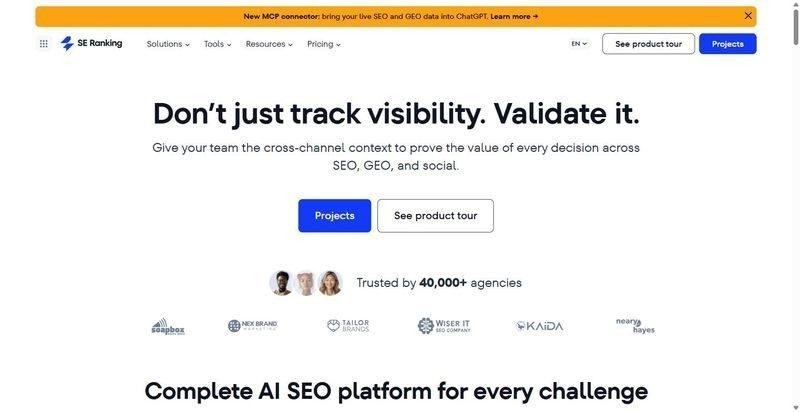
One workspace that carries the recurring in-house job — audit, keywords, backlinks, competitors, AI visibility, reporting — instead of four browser tabs and four separate invoices.
Best for: mid-market SaaS teams who need the whole analysis loop to live in one place.
Standout feature: The Website Audit runs 115+ checks with JavaScript rendering, and Competitive Research reads organic, PPC, and AI answers across five engines: AI Overviews, AI Mode, ChatGPT, Gemini, and Perplexity. The on-page AI checker then sorts issues by urgency and impact and hands you the fix, which matters when one person can’t triage everything at once.
Why it works for in-house SaaS teams: One recurring analysis workflow — audit, competitors, AI visibility, and an exec-ready report — lives in a single place, without stitching four subscriptions together. And it plugs into the GA4, GSC, and Looker stack the team already reports from, through the API and MCP that ship on every plan.
Pros:
- Consolidates audit, keyword, backlink, and competitor work behind one login.
- Tracks AI visibility across five answer engines, not just the classic SERP.
- Feeds the team’s existing dashboards through API and MCP on every plan.
- Triages on-page issues by urgency, so a small team knows what to fix first.
Cons:
- White-label reports and extra client seats sit in an Agency Pack add-on, which a single in-house brand rarely needs.
- No automated cross-channel correlation inside the platform; that stitching happens through MCP in an AI assistant.
- The breadth that makes it useful also asks for real ramp time from a two-person team.
Pricing: Core $129/mo ($103.20/mo billed annually), Growth $279/mo; API and MCP on every plan; 14-day trial.
Where it lands: If your team keeps four tools open to answer a single question, this is the argument for collapsing them into one. It won’t correlate channels for you on its own, and it asks for a few weeks of learning. But the recurring analysis job — from audit to competitor read to the report your CFO actually opens — finally sits in one workspace.
2. Ahrefs
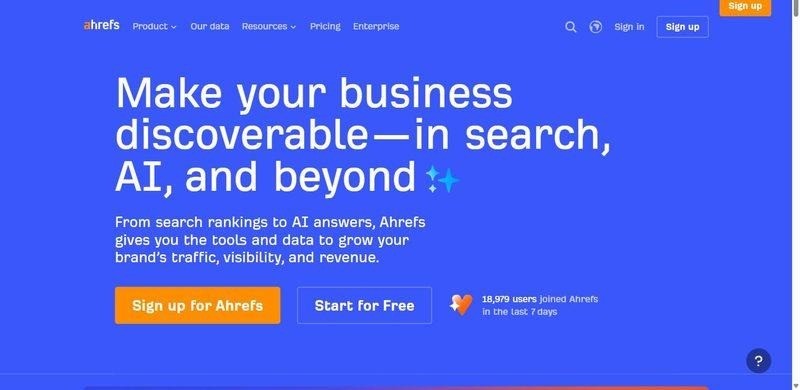
Backlink and keyword depth with a cloud Site Audit — the tool a content team reaches for when the quarterly question is where the gaps are.
Best for: teams whose analysis leans on content-gap and backlink work.
Standout feature: Its backlink index and keyword database both run deep, and the content-gap report puts your domain beside a competitor’s to show which terms they rank for and you don’t. The cloud Site Audit crawls on a schedule without a desktop crawler, so the health check runs itself between the bigger quarterly digs.
Why it works for in-house SaaS teams: It surfaces the keyword and link gaps between you and the competitor everyone in the standup keeps naming. When the question is why they’re ranking and you aren’t, this is where a content team tends to find the honest answer.
Pros:
- Maps content and keyword gaps against any competitor you name.
- Runs one of the deeper backlink indexes for link analysis.
- Crawls a scheduled cloud Site Audit without a desktop tool.
- Surfaces link-building targets a content team can actually pursue.
Cons:
- Credit and row limits cap how much you can pull before the plan pushes back.
- Per-seat pricing adds up once more than one marketer needs access.
- Steeper for a non-specialist marketer than a broad-team platform tends to be.
Pricing: From roughly $129/mo.
Where it lands: For a team whose analysis lives in content and links, this earns its place. The credit limits and per-seat math will pinch a small in-house group, and a generalist marketer will feel the learning curve early. But for the quarterly gap-and-backlink dig, few tools read as deep.
3. Semrush
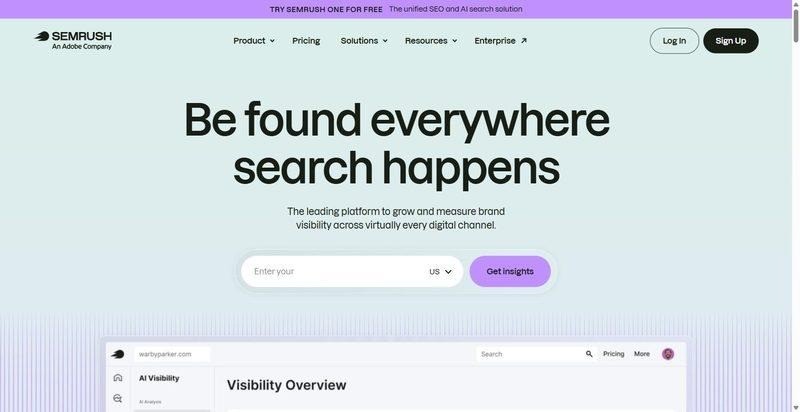
The widest datasets in the category — keywords, backlinks, and paid search under one login, with a Site Audit that checks around 140 issues.
Best for: teams that will genuinely use the breadth across organic, paid, and competitor research.
Standout feature: Position tracking, keyword gaps, and PPC data sit beside the backlink index, so one analyst can answer an organic question and a paid question in the same session. The Site Audit runs roughly 140 technical checks. The value is coverage; whether you need all of it is the real question.
Why it works for in-house SaaS teams: When the same account has to answer organic, paid, and competitor questions for a VP who wants one number by Thursday, breadth stops being a luxury and starts being the reason you keep the seat.
Pros:
- Broadest keyword and backlink datasets in the category
- Organic, paid, and competitor research in one place
- Site Audit covers roughly 140 technical checks
- Position tracking that holds up across large keyword sets
Cons:
- Price climbs quickly as you add seats and projects
- A lot of surface area for a one- or two-person team to actually use
- Several useful limits are gated behind higher tiers
Pricing: From $139.95/mo.
Where it lands: If your team really will work across SEO and paid, Semrush earns its bill; the breadth pays for itself. If two people are quietly using a tenth of it, you’re renting a platform to run a spreadsheet. Match the seat count to the work, not the ambition.
4. Moz Pro
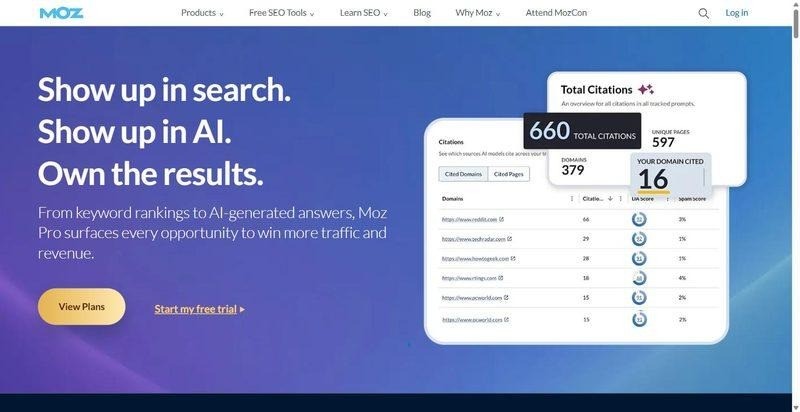
Approachable to the point of friendly — a clean UI, Domain Authority, a keyword explorer, and an on-page grader that reads like plain advice.
Best for: a team that wants one recognizable authority number and a gentle learning curve.
Standout feature: Domain Authority is the number everyone half-remembers, and Moz built a comfortable workspace around it — keyword research, link tracking, and the on-page grader all speak the same unintimidating language. Nothing here demands a specialist. That is the whole pitch, and for the right team it is enough.
Why it works for in-house SaaS teams: A content marketer who isn’t a full-time SEO can open Moz and read it without training. For a lean team where SEO is one hat among several, that legibility saves hours nobody has.
Pros:
- Genuinely approachable interface with low training cost
- Domain Authority gives a quick, shareable directional read
- Keyword explorer and on-page grader are easy to act on
- Established brand your VP will recognize
Cons:
- Smaller link index than the top-tier platforms
- Domain Authority is a proprietary proxy, not a Google metric
- Slower data refresh than teams tracking fast-moving SERPs may want
Pricing: From $49/mo.
Where it lands: Moz is the tool you hand a marketing generalist who needs to be competent in SEO, not fluent. It won’t satisfy an analyst who lives in the data. But for a team that wants one clear number and a soft landing, the trade is honest.
5. Serpstat
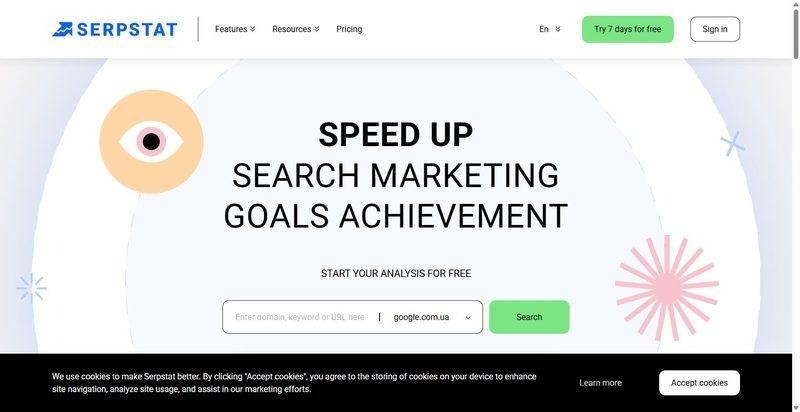
An all-in-one built around value: audit, keyword research, backlinks, rank tracking, and SERP analysis bundled at a lower entry price.
Best for: teams needing multi-layer analysis without a top-tier platform bill.
Standout feature: The appeal is arithmetic. Serpstat folds audit, keyword, backlink, rank, and SERP analysis into one modest subscription, so a team covers most of its recurring analysis jobs without stitching together three tools. The databases are smaller than the leaders’, but the everyday work rarely reaches their edges anyway.
Why it works for in-house SaaS teams: A mid-market team rarely needs the deepest index; it needs the recurring jobs done from one login it can defend on the budget line. Serpstat covers that middle ground without asking for a premium seat.
Pros:
- Broad feature set for the price
- One subscription covers audit, keyword, backlink, rank, and SERP work
- Reasonable entry point for a mid-market budget
- Enough depth for most day-to-day analysis
Cons:
- Smaller databases than the category leaders
- Thinner coverage of AI-search and newer SERP surfaces
- Workflows feel less polished than premium platforms
Pricing: From ~$59/mo.
Where it lands: Serpstat is the sensible middle: more than a point tool, less than a flagship, priced where a mid-market team doesn’t have to flinch. You’ll notice the smaller datasets at the margins and the rougher edges in the workflow. For most weeks, neither will slow you down.
6. Google Search Console
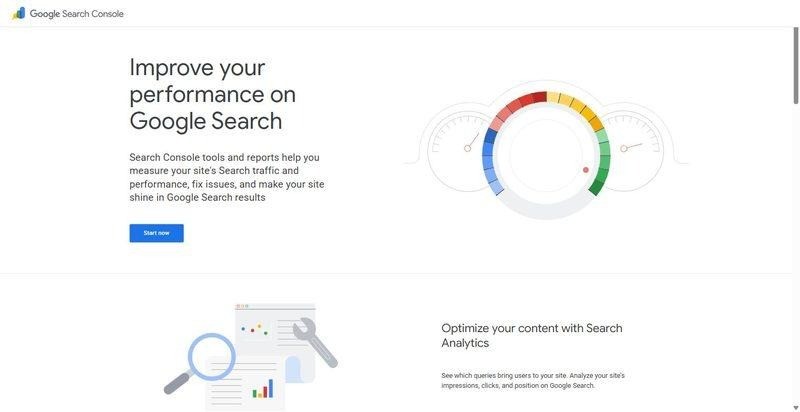
The free, first-party record of how Google actually sees your site — the baseline every team on this list already owns.
Best for: teams that want a trusted, no-cost read on their own search performance before they pay for a platform.
Standout feature: The Performance report. Clicks, impressions, and average position for every query and page, straight from Google, alongside Index Coverage and Core Web Vitals. It’s the one dataset no third-party tool can fully replicate, because it isn’t modeled or estimated. It’s what Google recorded when someone actually searched.
Why it works for in-house SaaS teams: It’s the verified baseline every SaaS team already has, and the number a CFO trusts without an asterisk — because it’s Google’s own count, not a vendor’s estimate of it.
Pros:
- Free, with no seat, project, or query limits
- First-party performance data no other tool can match for accuracy
- Index Coverage and Core Web Vitals for fast technical triage
- Connects directly into GA4, Looker, and most SEO platforms
Cons:
- Your own verified property only — no competitor data
- Figures are sampled and aggregated, so totals rarely reconcile exactly
- Sixteen months of history, then the older data is gone
Pricing: Free.
Where it lands: Not a tool you choose so much as one you start from. Every team here should have it connected before paying for anything else. But it only ever shows your own site, and analysis for an in-house team is increasingly about what rivals are doing in the answer box, so treat it as the floor, not the whole room.
Which one to start with
The best seo analysis tools aren’t the ones with the most features; they’re the ones that fit the shape of your team. So start from the shape.
If you’re the only SEO on a ten-person marketing team, start with SE Ranking. One workspace covers the audit, the competitors, the AI-visibility read, and an exec-ready report — most of what you’ll be asked for, all behind one login.
If content-gap and backlink work lead your quarter, start with Ahrefs; its depth there is the reason to pay for it.
If you already own Semrush and use a third of it, don’t buy more surface. Keep Google Search Console plus one focused tool, and stop paying for the features you never open.
And if budget sign-off is the blocker this quarter, begin with Google Search Console and Moz Pro, then grow into a full platform once the CFO has seen the numbers.
For most small in-house teams, though, it’s SE Ranking.
Frequently asked questions
How do you do an SEO competitor analysis?
Pick three or four rivals who actually compete for your keywords, not just your best-known peers. Then compare across four layers: shared and gap keywords, backlink profiles, top-performing pages, and — increasingly — who gets cited in AI answers. A dedicated platform pulls all four into one view, so you read patterns instead of reconciling spreadsheets.
What should a monthly SEO analysis cover?
At minimum: a technical audit for new crawl and indexing errors, ranking movement across your priority keywords, changes in organic clicks and impressions from Search Console, backlink gains and losses, and a quick competitor check. Log what changed and why each month, so the comparison tells a story rather than freezing a single snapshot.
How do you turn an SEO analysis into a report your execs will read?
Lead with outcomes, not metrics: pipeline, conversions, and revenue influenced, then the SEO work behind them. Keep the seo report to one page, choose plain language over jargon, and show the trend rather than a single month. A report builder that schedules this and adds a written summary spares you the recurring assembly.
Which SEO analysis tool fits a small in-house team?
One that consolidates audit, competitor, and reporting work into a single workspace, so one or two people can run it without stitching subscriptions together; SE Ranking and Moz Pro both suit this scale. Free tools like Google Search Console are a fine starting point, but they only cover your own site, never the competitive picture.
About the author:
Mashum Mollah runs Blogmanagement.io, a blogger outreach agency. Through client work spanning keyword research, backlink analysis, and reporting automation, he has hands-on experience evaluating SEO data platforms and API-based workflows. He also writes about SEO tools and digital marketing at Blogstellar.